Safety Training Slideshow
Create engaging safety training slideshows for break rooms and common areas
Guide
Safety Training Slideshow
Create an engaging safety training slideshow application for break rooms and common areas. The app displays key safety messages with smooth animations to keep employees informed.
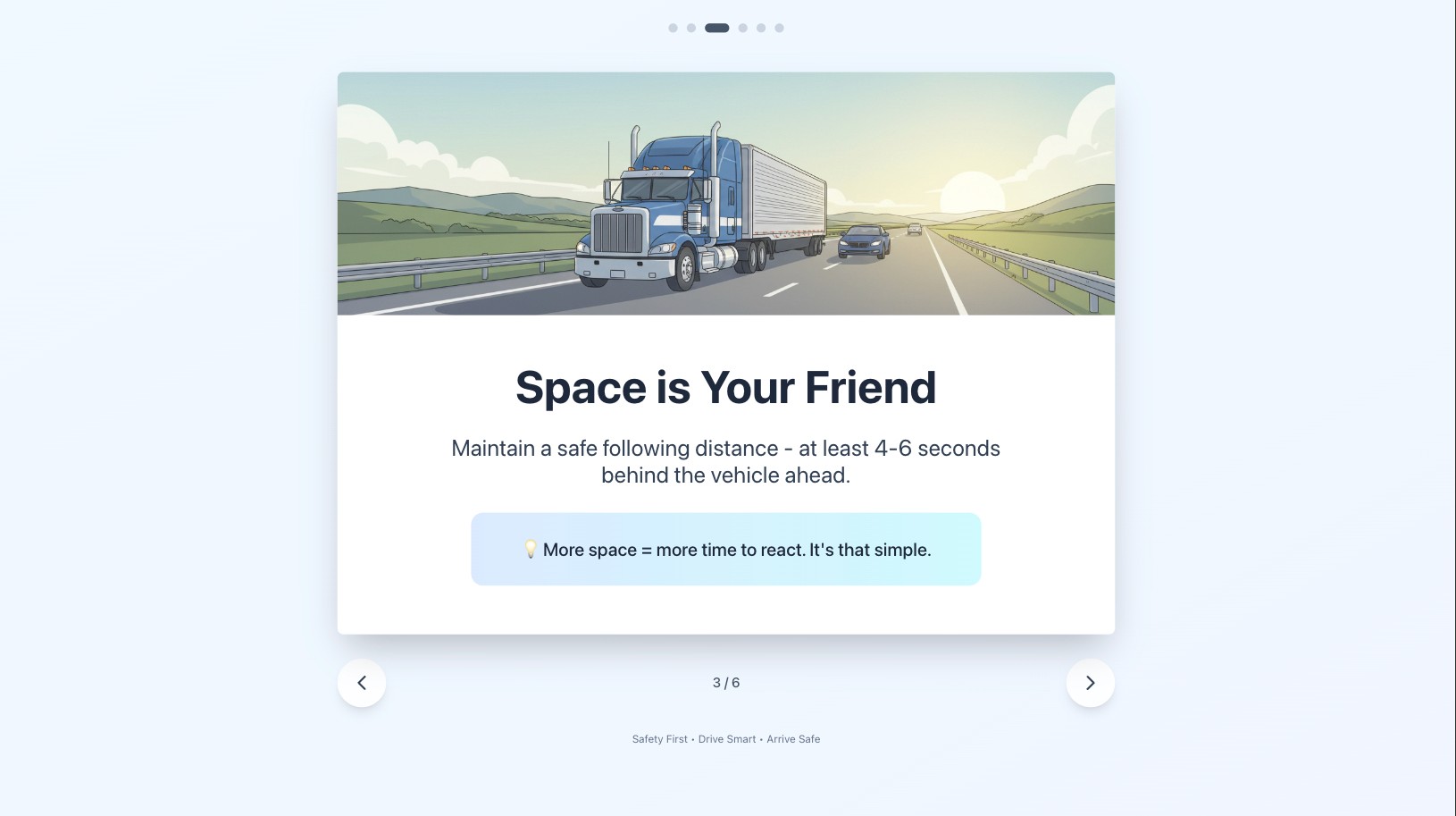
Introduce your goals
Tell the agent about your workplace and what safety topics matter most:
"I'm a manager of a trucking logistics company. I need a simple app to put in our break rooms where drivers take breaks, highlighting key safety messages with animations and slideshows."
Customize with your content
You can personalize the training content:
Attach your company's safety PDFs - the agent will extract key points
Paste links to OSHA or industry guidelines - it will summarize the important messages
Add your own safety tips - include company-specific policies
Final Prompt
### Purpose I'm a manager of a trucking logistics company. I need a simple app to: - Put in our break rooms where drivers take breaks - Highlight key safety messages with smooth animations and slideshows ### Design Style - Use a calm, professional color palette (soft blues, greens, neutral tones) - Large, easy-to-read fonts for viewing from a distance - Gentle animations and transitions - nothing jarring or distracting - Clean, modern design that feels welcoming, not alarming - Use icons and illustrations to make content approachable ### Content Read these safety PDFs and extract the most important points: https://www.osha.gov/sites/default/files/publications/Safe_Driving_Practices.pdf https://www.shshampton.org/editoruploads/files/Forms/Defensive_Driver_Training_Program_T_DD_00_02_07_17_final__1_.pdf Write 6 slides from the content above, focusing on: - One clear message per slide - Friendly, encouraging tone (not preachy or fear-based) - Practical tips drivers can actually use - Generate 3 appropriate images and use it in 3 slides ### Animation - Smooth slide transitions (fade or gentle slide) - Subtle entrance animations for text and icons - Auto-advance every 10-15 seconds - Loop continuously