Production Tracker
Track factory production output with real-time display for big screen TVs
Guide
Production Tracker
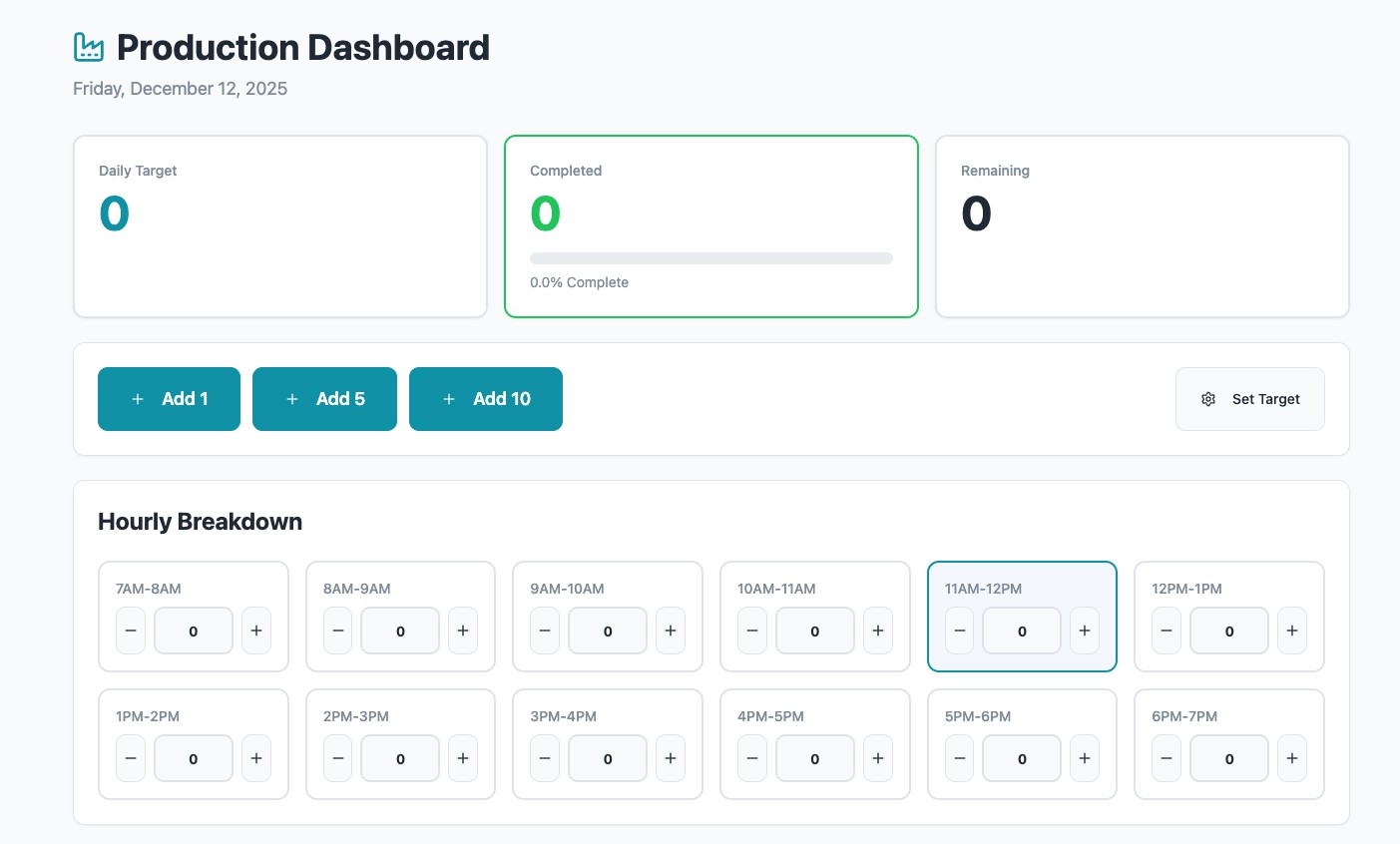
Build a production tracking app for factory floors. Display progress vs goals on big screen TVs, let workers update counts via tablet or touchscreen, with real-time sync across all screens.
Your goals
This prompt creates a fullstack app with display page for TVs, input page for workers, and admin page for configuration. The app uses websockets for live updates.
Customize
You can modify the prompt to change:
Number of production lines/products
Working hours (default 7am-7pm)
Color scheme and styling
Add your company branding
Final Prompt
# Business Requirements I'm a plant manager, need a simple app to: - Track production output of the lines we have at this factory. - Display the progress vs goal clearly on big screen TV in the factory to keep team aware of progress. ### Data to Display - **Target # of items to build today** - **Number of items built so far** - Broken down in hour increments. Example: - 7-8am: 2 - 8-9am: 1 - 9-10am: 2 - etc - These should be added up to show how many items have been completed so far. - **Number of items yet to build** (target # - completed) Users on the line can update the number completed via tablet, computer, or touchscreen. Updated numbers should be displayed *live* on the TV. --- We will build a **webapp** with the following: ### Display Page `/display` - URL to be assigned to OptiSigns Player for TV - Features: - Auto-refresh every minute (data refresh only, no full reload) - Real-time data updates via websocket - Three product rows (read-only), responsive for more products - One small line of "note:" for each product for commentary or update issues - Large completion counters - Progress indicators (green/yellow/red) - Current hour highlighting - Last 3 hours history - **Style**: Clean, professional, glassmorphism display style - Dark theme - Primary color `#1ABF7E` - Variant from it for gradient, good-looking effect ### Input Page - After login → `/input` - Layout exactly like the `/display` page - Extra Features: - Micro UI to increase/decrease counts - User can click/tap on numbers to change them ### Admin Page `/admin` - Accessible only by admin role - Features: - Add, edit, remove products - Configure which products display on screen - Configure how many production hours per day to show (default: 7am–7pm) ### Authentication - Build the app simple without Authentication first so we can test the features, display - We will add OptiDev Auth in later and set up user roles: Admin can edit products, User can only edit, increase decrease production counts --- # Backend Design ### Database Tables - **products**: list of products (seed with 5 rows of data) - **daily_hourly_productions**: production data for each day/hour (1 row = 1h) ### Data Business Logic - If no data exists for the day, display the day with 0 numbers - When a user enters/updates data: - New rows created - Tables updated - Screens refreshed ### Integration - Backend & Display connected via websocket - Live updates immediately reflected on the screen