It often starts in a meeting. Someone points at the office TV, the one that has shown the company logo for months, and says it should show the business numbers. Everyone agrees. Now it is your job.
Most advice is about the dashboard. But when an office TV dashboard fails, the numbers are rarely the problem. The screen is blank on Monday morning. A login page sits there, and nobody can clear it. Or nobody owns the TV, so nobody fixes it.
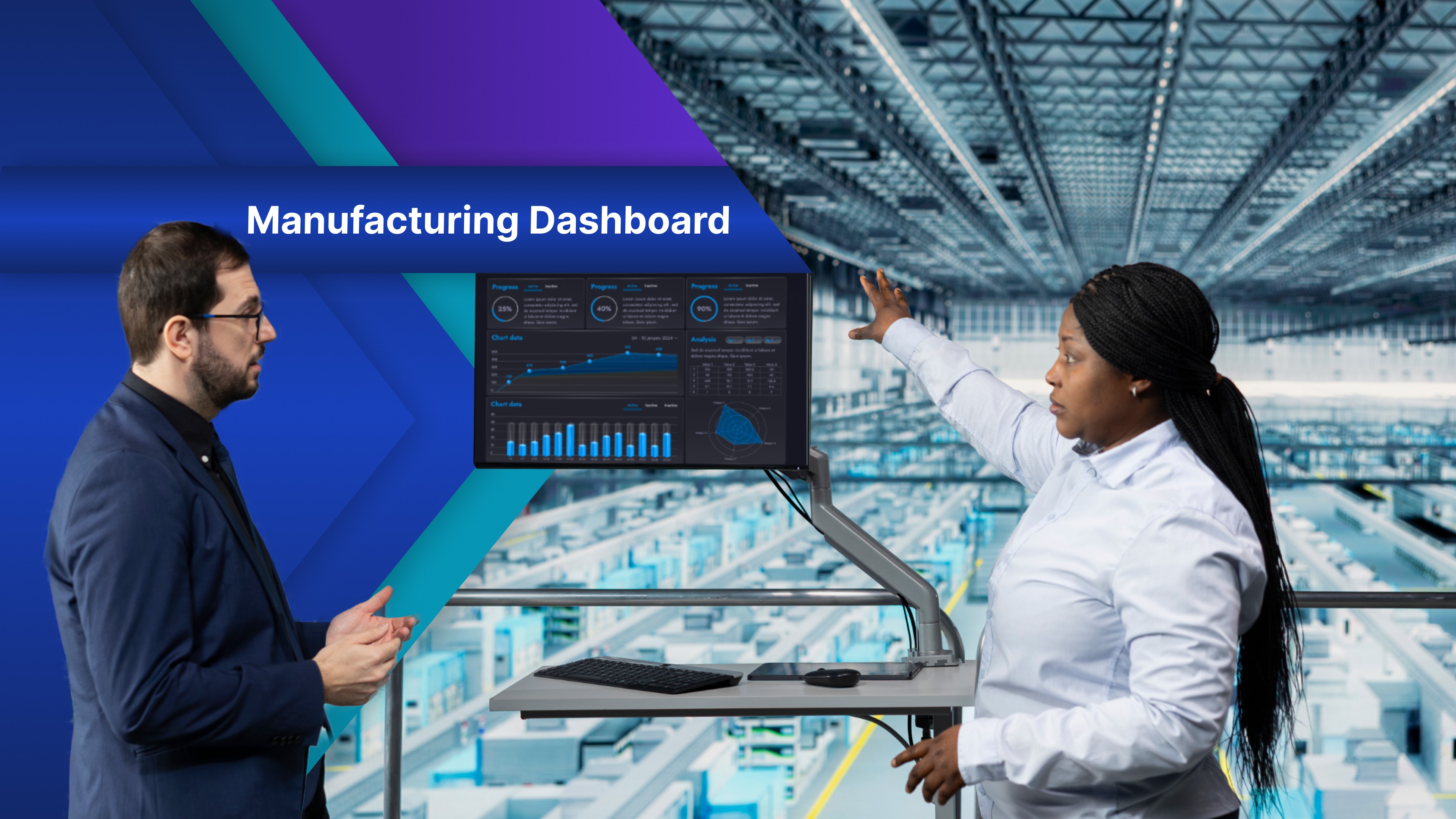
A TV dashboard is a live view of your business numbers on a wall screen, big enough to read from across the room. To set one up, you need a TV, something to run it that stays online and signed in, and a dashboard to show. To keep it running, you need a clear owner.
This guide uses two tools from the same company. OptiSigns is software that runs the screens in a business: it plays on the TV, and you choose what each screen shows from a web portal. OptiDev, its sister product, builds the dashboard itself when you don't have one yet.

Pick the player before the TV
Almost any TV with an HDMI port will work. What matters is the software that runs it. Many smart TVs can run the OptiSigns app on their own. If yours can't, a small player plugs in behind it. Check the supported devices before you buy. Either way, you get a TV dashboard display that runs on its own.
Skip the spare laptop or the phone cast. Laptops sleep, update, and get borrowed, and phones go home with their owners. This is why so many information screens in offices end up showing nothing.
Talk to IT before you hang it
On the wall, the TV is a device on your business network, showing company data in a shared space. IT will ask three questions.
What network will it use? It needs a steady connection, and a network cable beats WiFi. Ask IT whether it goes on the guest network or the company network.
Where do the passwords live? For a dashboard you already have, the display app handles the sign-in. With the OptiSigns Power BI app, for example, you sign in with Microsoft, and OptiSigns does not store your password. If you build an app in OptiDev, the key to your data stays on the server, encrypted. The TV never holds the password to your data.
Can people outside the business see it? Private OptiDev apps show only to members of your workspace and your OptiSigns screens. There is no public link to share or bookmark. Your team can also use single sign-on with Microsoft Entra ID, Okta, or any SAML 2.0 provider. How OptiDev Secures Every App You Build explains the rest.
Also, publishing from OptiDev to OptiSigns needs an admin role in your OptiDev workspace. Sort that out before you start.
Build the dashboard you need, or show the one you have
There are two ways to fill the screen.
Build it in OptiDev. Use this when the numbers sit in three different tools, or your dashboard was made for a laptop and is hard to read on a TV. Describe the screen you want in plain words. For example: "Show open tickets, the oldest one waiting, and today's solved count in big numbers, with no buttons." OptiDev builds a working app with its own database, sign in and hosting. You can start from a HubSpot, Zendesk, or Stripe template, then publish it to OptiSigns and pick the screen. This is how you get KPI dashboards for digital signage made around what your business needs.
Or show the dashboard you already have. If your team uses Power BI, Tableau, Looker Studio,, or a Google Sheet, and that view reads well on a big screen, you may not need to build anything. This is what TV dashboard software is for. OptiSigns' display apps are the simplest way to get a dashboard on TV, depending on your OptiSigns plan. For Power BI digital signage, follow the OptiSigns Power BI guide.
For ideas on what to put on the screen, see What to Show on Your Office Screens Beyond Static Slides and 10 Things to Build with OptiDev for Your OptiSigns Screens.
Whichever path you take, decide one thing early: how old can a number get before it is wrong? In an app you build, work out how fresh the number needs to be and include that in the prompt. In a display app, you set an update interval. The OptiSigns Power BI app updates every ten minutes by default. Live data for digital signage is only as fresh as the answer you choose.
Decide when the screen sleeps
A TV left on all night wastes power and shows your numbers to an empty office.
OptiSigns lets you put the screen on a schedule. With the right plan and TV, it switches the TV off at night. Otherwise, it makes the screen go black. Set it to your business hours, and the board is on when the first person walks in. You can schedule content too, like a welcome slide for an evening event.
If you use a separate player, plug it into a wall outlet, not the TV's USB port. A player powered by the TV switches off when the TV does, and then it can't turn the TV back on in the morning.
Give it an owner
A few months in, the network drops or a password changes. The TV shows an error for a week because everyone thinks someone else reported it.
The fix: give the screen an owner. The job is small:
Notice when it is down. OptiSigns shows an offline icon on the screen when the connection drops. On some plans, it also sends an email alert when a screen goes offline.
Check the numbers once a month. Compare one number on the TV with the same number in the source.
Remove what nobody reads. If a number hasn't started a conversation in a month, swap it for one that will. In OptiDev, you describe the change, such as "replace the solved count with the average wait time," instead of rebuilding the board.
The owner doesn't need to be technical. They just need to be the person who notices.
Get one screen right first
A good office TV dashboard is not the one with the smartest chart. It is the one that is on every morning, sleeps at night, and has someone looking after it.
Describe the dashboard your business needs to OptiDev and start building, no credit card required. Already on OptiSigns? Sign in to OptiDev with the same login. If you already have a dashboard that works on a big screen, the OptiSigns display apps will show it.