There is a clipboard by your front desk. The pen on the string ran out last week. Every time somebody new walks in, the person at that desk stops what they are doing and starts the same short conversation for the fortieth time today.
Most businesses that fixed this bought a product or paid somebody to build one. That came with a quote, a contract, and a wait.
It is not the only route now. A self-check-in kiosk is one of the simplest apps a business can own, and you can describe the one you need in a sentence.
What a check-in kiosk actually does
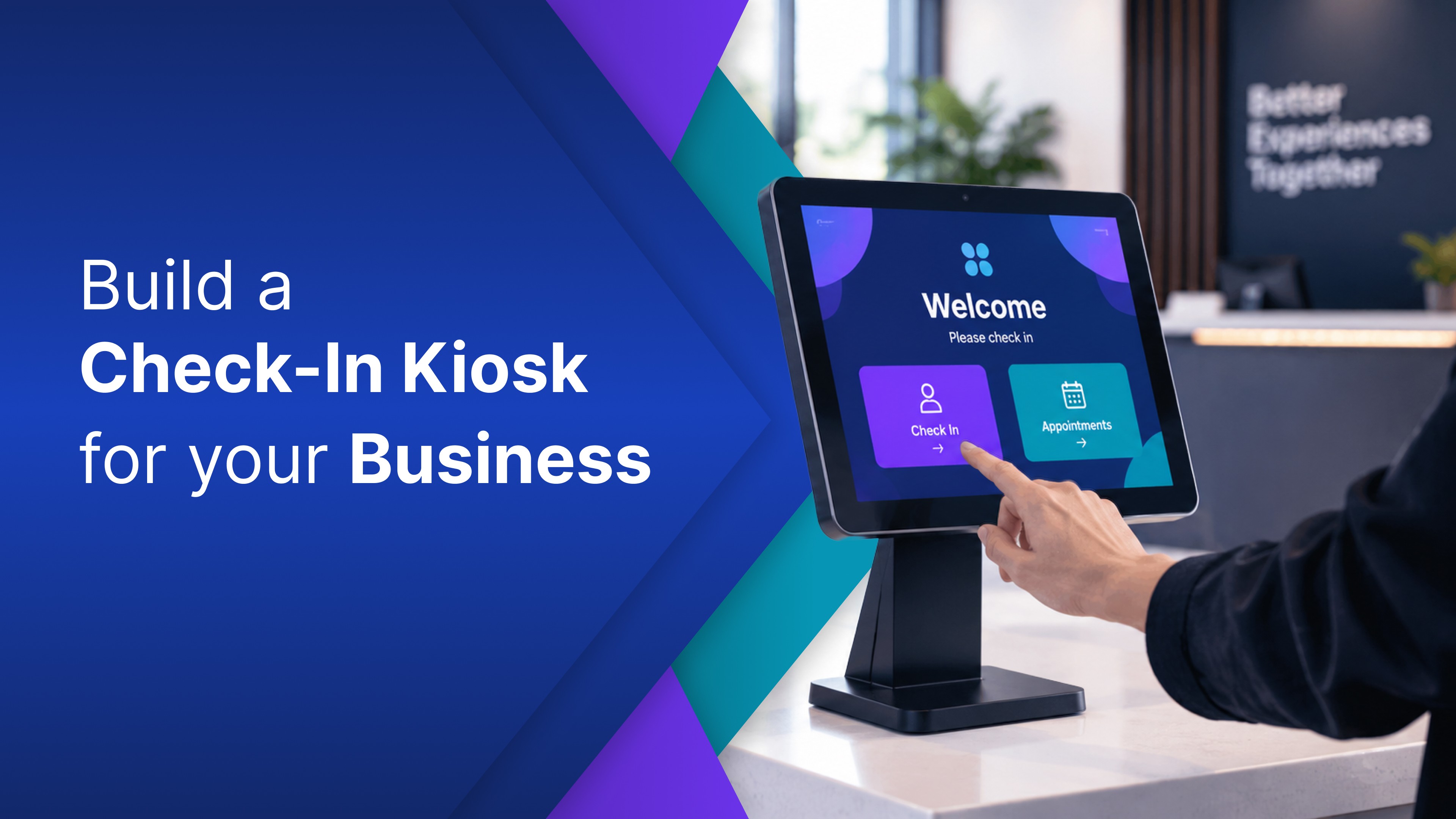
A check-in kiosk is a screen that lets people sign themselves in when they arrive, instead of waiting for staff to do it.
It does three jobs. It takes the name, plus whatever else matters: an appointment time, a party size, a company. It keeps the record, so you have a list of who arrived and when rather than unreadable handwriting. And it tells somebody, so the right person knows without being interrupted.
That third job separates a working kiosk from a form. A form collects answers. A kiosk collects answers, saves them, and tells the next person what needs to happen.
Self-check-in changes the arrival itself. Contactless check-in is one version of that, but the bigger change is that the front desk no longer has to run the same conversation every time someone walks in.
None of this is complicated. Which makes it strange that it has always needed a developer.
The check-in your business needs is probably not the one next door
Start with a clinic or a dental practice. A patient arrives, confirms their name and appointment time, and the front desk knows they are here without looking up from the phone. Waiting rooms fill in bursts. For appointment-based businesses, the arrival rush is often the first bottleneck.
A restaurant kiosk is the same idea under different pressure. A party of four puts their name down and can see how many groups are ahead, so nobody asks the host twice.
At an event or training room, the same idea becomes a simple sign-in screen: people arrive, enter their name, and the organizer gets the count without stopping the line.
And if what you need is visitors checking in at an office lobby, that one has a post of its own.
You describe it, and it gets built
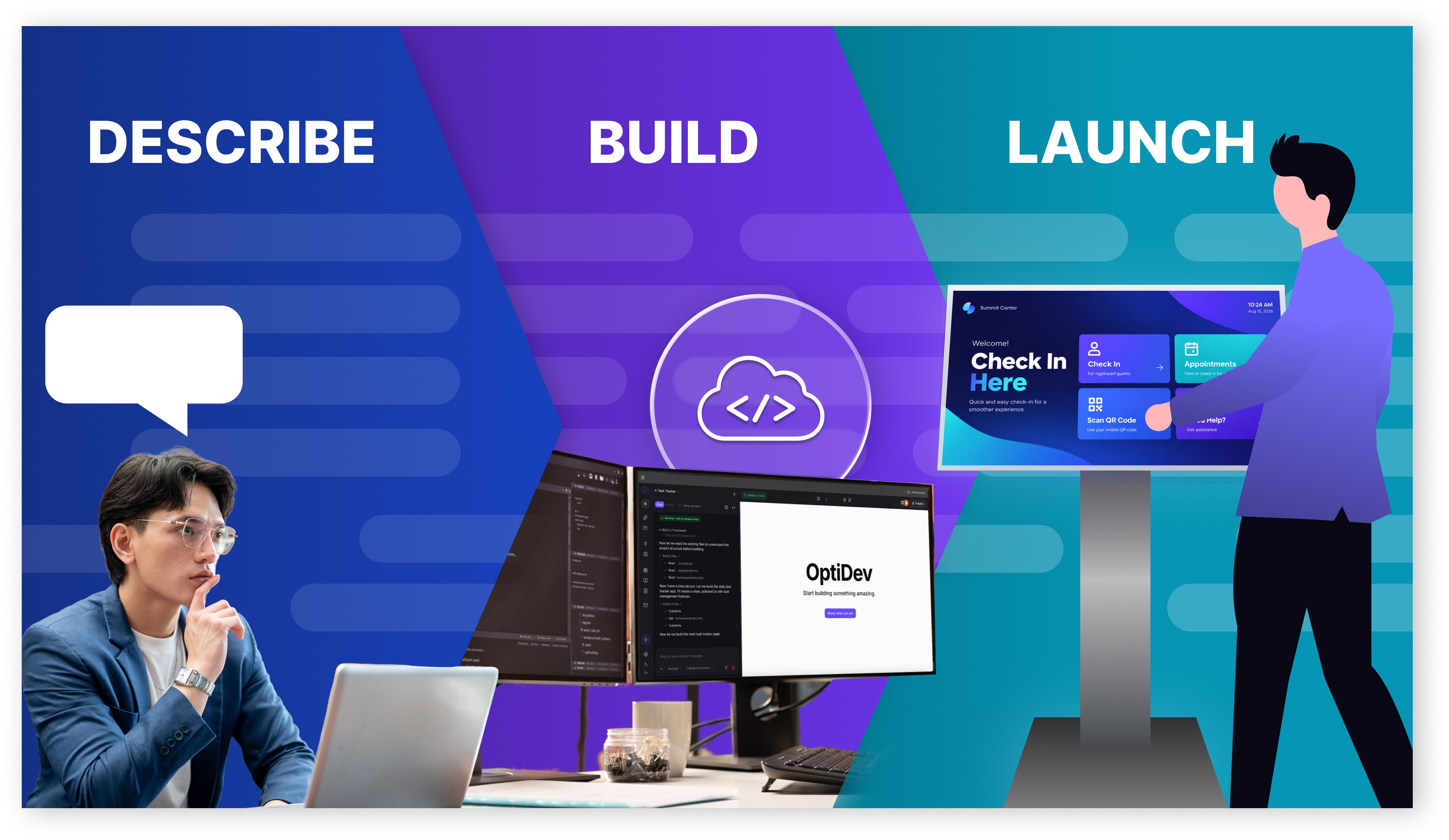
Take the restaurant. On OptiDev you write what you want in your own words:
“Build a check in screen that asks for the customer's name and party size, adds them to a waiting list, and shows how many groups are ahead of them.”
A working version comes back from that sentence. Not a mockup, and not a template you bend into shape. You are describing the one your business runs, not picking from a menu.
Then you adjust it the way you would explain it to a person. Make the party-size buttons bigger. Move the waiting count above the form. Change the confirmation message to “You are on the list.” Add a host view that shows the newest party at the top.
Those corrections matter because this is where the kiosk becomes yours. The first version proves the idea. The next few instructions make it fit the way people actually arrive.
Then it has to remember. A check-in kiosk that forgets who checked in is a slideshow. Real check-in kiosk software comes with somewhere to put the answers: a database is provisioned and connected automatically, with no setup. That is the difference between a form and a check-in system.
And the notification matters too. If nobody is told that someone arrived, the front desk still has to keep checking the list. The kiosk should not only collect the check-in. It should move the arrival to the next person.
And if you already run OptiSigns, you sign in with the account you have.
Getting it onto a tablet, or onto the screens you already run
Most businesses run the check-in on a tablet. A tablet check-in kiosk on a stand by the door is the usual answer, and the app runs in the browser, so there is nothing to install. Screens are built for fingertips, with big tap targets rather than a mouse and keyboard, so a visitor gets through it without help. A tablet check-in system also means your staff already know the device, and replacing it is simple.
If you already run OptiSigns, you have the other half of this. The tablet takes the check-in at the door. The wall screen is what people look at while they wait, and you already manage that. Build the waiting area screen too, then publish it straight to those displays. It stays yours: private apps stay private, with no public URLs to forward on. Your screens cache their content and recover on their own if the network drops. We made the same case in What to Show on Your Office Screens Beyond Static Slides.
The kiosk is usually the first one, not the only one
Look at what the kiosk actually needed. A screen somebody uses. Somewhere for the answers to live. A way to tell the right person what happened.
Now look at the rest of the list every business keeps and never gets to. The staff rota is in one person’s head. The job sheet is still on paper. The numbers somebody copies into a spreadsheet every Monday.
Same three parts, and the same plain sentence to start. The kiosk is simply the easiest to picture, which is why it is often the first thing a business builds on OptiDev rather than the only thing. We took one of the others apart in Turn Your Spreadsheet Into a Live Dashboard With AI.
Common questions
What is a check-in kiosk?
A check-in kiosk is a screen that lets people sign themselves in when they arrive, then records it and tells the right person. Check-in kiosks turn up in clinics, restaurants, gyms, and event venues alike.
How much does a check-in kiosk cost?
The hardware is a tablet or a touch screen, bought once. The software used to be the expensive half: either paying a developer or paying for a license per screen. That is the half that changed, and we went through the old numbers in The Real Cost of a Custom Internal Tool in 2026.
Can a doctor's office use a check-in kiosk?
Yes, as a simple arrival screen. A check-in kiosk for a medical office can ask the patient to confirm their name and appointment time, then tell the front desk they have arrived. Keep the first version focused on the arrival itself.
I already use OptiSigns. Does that change anything?
Yes. You sign in with the account you have, so there is no new login and nothing to procure. What you build publishes to the screens you already manage.
Build the one your business needs
The kiosk was never the hard part. Needing somebody else to build it was, and that is the piece that has gone.
Start with the check-in, because it is the one you can already picture. A clinic arrival screen. A restaurant waiting list. Describe it in a sentence.
Then go down the rest of the list. The second app starts the same way.
Already running OptiSigns? Build with the screens you already manage in mind. We covered what happens to your data in How OptiDev Secures Every App You Build.


