Most office, lobby, and storefront screens still loop the same static slides, and after a while nobody notices them. The problem is not the screen. It is the content. What gets attention is content that feels current, useful, and worth a second glance.
For a long time, building that kind of content usually meant a developer, an integration, or an agency. That is no longer the only path. Describe what you want in plain language, and AI builds it. For teams already managing office, lobby, or storefront screens, that changes the opportunity: not more hardware, but more useful content on the screens already up. That is where a business AI app builder becomes practical, turning a simple request into something your team can actually publish and use.
Here's what's actually worth building for office screens: what your team should see, what anyone walking by can see, and how each one gets made.
Two kinds of content, and what's worth building for each
Not everything that goes on a screen should be visible to the same audience, and that split matters more than the topic. It's also the real answer the first time "Can we actually put this on a screen?" comes up in a meeting.
Internal content is for your team only: an office TV dashboard, a leaderboard, or anything with numbers a competitor or a customer shouldn't see. It needs access control, a login, a role, and something that keeps it visible to the right people. It gives teams better operational visibility, stronger business reporting, and clearer executive visibility into team performance.
External content is anything anyone walking past can see: a customer, a visitor, someone waiting in the lobby. This is where most digital signage content ideas actually live, and it needs to be safe by design: nothing sensitive in it, by construction, sometimes because it's an aggregated or anonymized version of something that started out internal. When done well, this kind of screen content improves customer experience while still giving the business a more polished and useful front end.
Both get built the same way: you describe it, AI builds it, and then you publish it. That's the vibe coding loop, whichever bucket it lands in. The difference is what happens to the data, not how the app gets made. That's the distinction that actually matters once you're deciding what's allowed where.
For your team only:
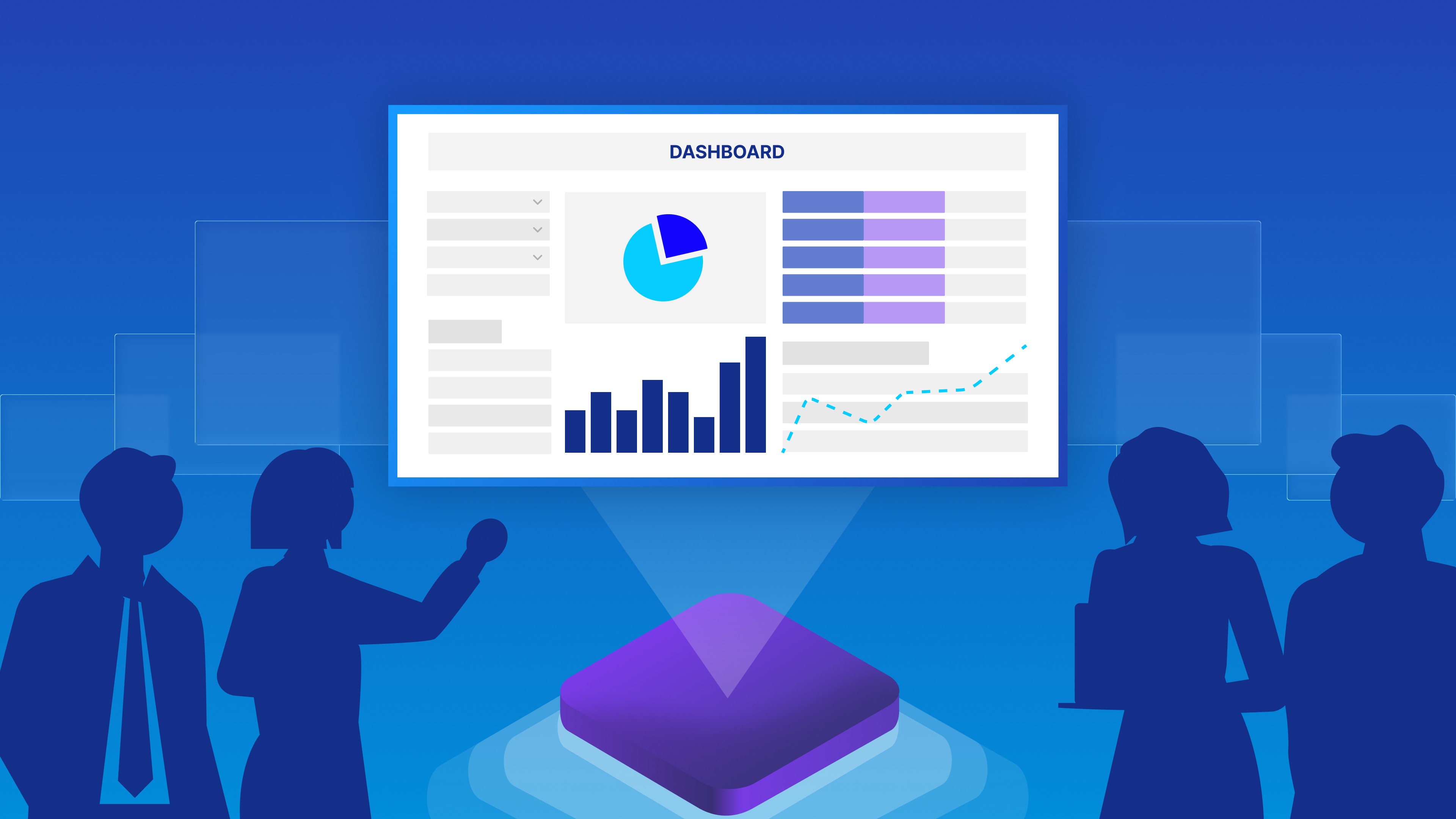
A live KPI or sales board: "Build a dashboard showing this month's revenue, deals closed, and quota attainment by rep." Pulls straight from the spreadsheet, CRM, or payment tool you already use. Nothing new to maintain. It gives teams better operational visibility, clearer business metrics, and stronger executive visibility into performance. (We walked through exactly this build in Turn Your Spreadsheet Into a Live Dashboard With AI)
A team leaderboard: "Show this week's leaderboard ranked by deals closed, color-coded green to red." The thing that used to live in a spreadsheet nobody opened until the Friday stand-up.
An ops or support tracker: "Show open tickets, average response time, and today's backlog, updated every few minutes. " Replaces the five tabs someone checks every morning before they've had coffee.
For anyone walking by:
A live "now serving" or wait-time board: "Show the current number being served, the next number in line, and an estimated wait." No names, no account numbers, just a queue.
A room or resource availability board: "Show which meeting rooms are free right now, and for how long." Availability only, no meeting titles or attendees. Useful to a visitor and an employee alike, and safe for both to see.
An aggregated counter: "Show a running total of orders fulfilled today, nothing more." The number underneath might come from an internal system, but what's on the screen is just a count. Nothing that identifies a customer, an order, or a rep. It is a lightweight way to turn live data into safe, public-facing business reporting.
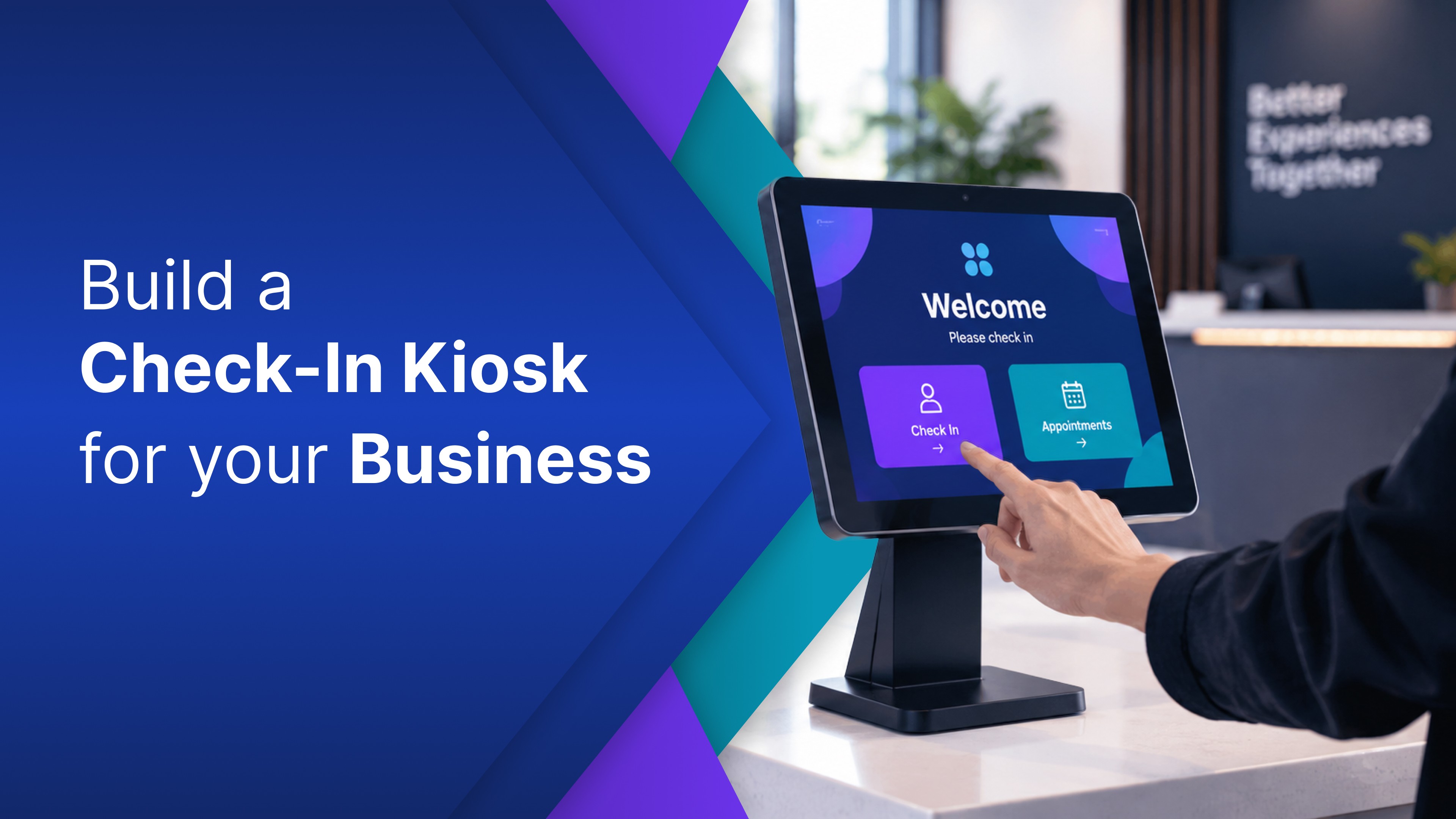
There's more worth building than fits in one post: lobby directories, check-in kiosks, and floor-specific trackers for manufacturing and logistics each deserve their own write-up. We'll get to them.
It's real, and it's fast
Take the wait-time board. Describe it in a sentence: something like "show the current queue number, the next number in line, and an estimated wait. " You can often have a first version live the same day. Not a sprint. Not a ticket to IT. No agency call.
The first version won't be exactly right, and that's fine. You just say what's off. "Make the wait time bigger." "Use our brand colors." "Add our logo in the corner." No design software, no CSS, nobody to loop in. A few rounds of that and it's ready to publish.
This is exactly the kind of thing that used to need a developer, a design pass, and a deployment cycle. Now it can start with a sentence and a few notes. That is the appeal of using a business app builder for signage content: it shortens the path from idea to something people can actually see, which means less delay, faster execution, and a more responsive approach to business operations.
It's also a clean example of the internal/external split in practice. A wait-time board is external by nature: there's no sensitive data in a simple queue number. That's exactly why it's a good place to start if what you're building is for anyone to see.
Where it runs: the screens you have, or the ones you'll get
A prompt gets you something working fast. What it doesn't do on its own is finish the part that matters once the screen is running unattended in a lobby or on a floor all day: a real data connection, access control for anything internal, and a way to publish it that isn't emailing someone a link and hoping they don't forward it.
That is the gap between a working demo and something you actually leave running. OptiDev closes it with a managed backend, built-in authentication, and one-click publishing. What you describe can often move from concept to live screen much faster, without getting stuck in a “we will get to it” queue. For teams focused on business operations, that means fewer handoffs, less manual setup, and a faster path to usable business applications.
This is also where OptiDev stands out. Many AI app builders stop at a link in a browser tab: they can generate the app, but getting it onto a physical screen in a controlled way is a separate problem. OptiDev closes that gap by publishing what you build directly to screens through OptiSigns. That means an internal board can stay internal, without relying on a shared link that can be forwarded more easily. The difference is not only building the app but also getting it onto the screen in a way that fits how teams actually manage digital signage, internal communications, and day-to-day business reporting.
And if you already run digital signage, OptiSigns in particular, this is exactly what publishes to the screens you already manage: internal boards restricted to the people who should see them and external boards safe for anyone who walks past.
Start with the screen you already have
The slideshow nobody watches was never a hardware limit. It was just the default when anything better meant a developer and a timeline. That's not the constraint anymore.
Pick one thing worth showing: a KPI board, a wait-time display, or whatever your team actually needs today. Describe it and see what you can get live by the end of the day. In many cases, that is the fastest way to turn an ignored screen into something that supports real business operations, better reporting, clearer day-to-day decision-making, and stronger visibility into business performance.