A lobby check-in kiosk is about as simple as a business app gets. A visitor walks up, types their name, says who they are there to see, and the front desk knows they have arrived. Almost everyone has used one. Almost nobody has built one, because it usually feels like the kind of project that needs an agency, a developer, or an IT team with time to spare. So it gets pushed into the backlog, even though the app itself is simple: collect a name, record the visit, and show a welcome message.
That assumption is now out of date. You can describe the kiosk you want in a sentence and often get to a working version the same day: built, connected to your data, and ready to publish to the screen in your lobby. No developer. No agency. No ticket. If you have seen how vibe coding turns plain language into working software, this is that same idea pointed at the most public screen your business owns.
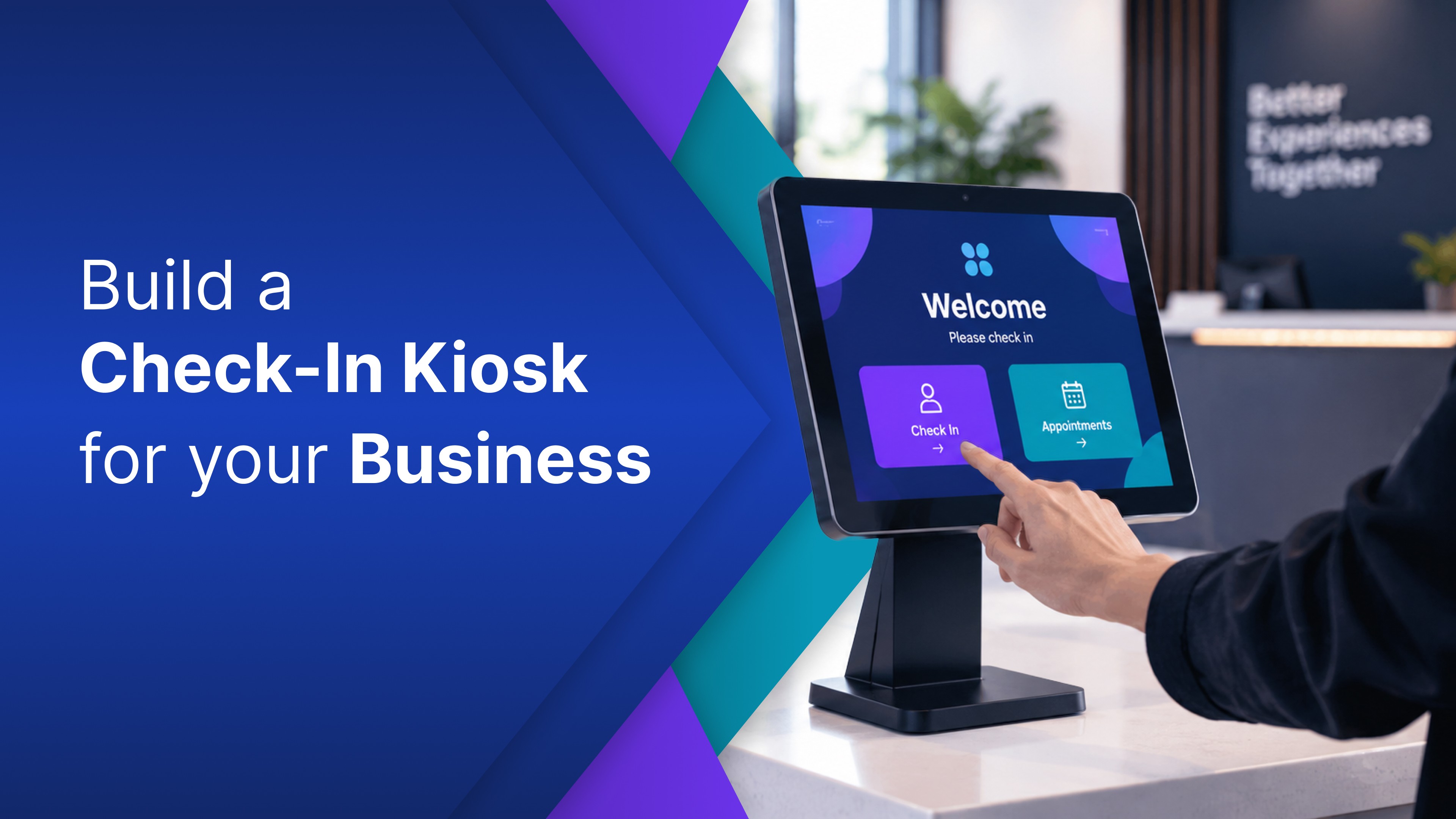
A visitor check-in app is the software behind the tablet or kiosk in your lobby. It records who has arrived and keeps a log the front desk can actually use. What is new is that you no longer have to buy one as a fixed product or hire someone to build one for you. You can now build your own, shaped to exactly how your business actually runs, just by describing it.
What a lobby check-in kiosk actually does
Before building anything, it helps to be clear about the job. A visitor check-in app in a busy lobby usually needs to do a small handful of things: capture the visitor's name and who they are visiting, keep a running record of who checked in and when, and show the visitor a clear welcome or confirmation on screen. Some businesses want the visitor to agree to a policy first. Some just want a clean screen with the company logo. The shape of it depends entirely on how your business actually greets people.
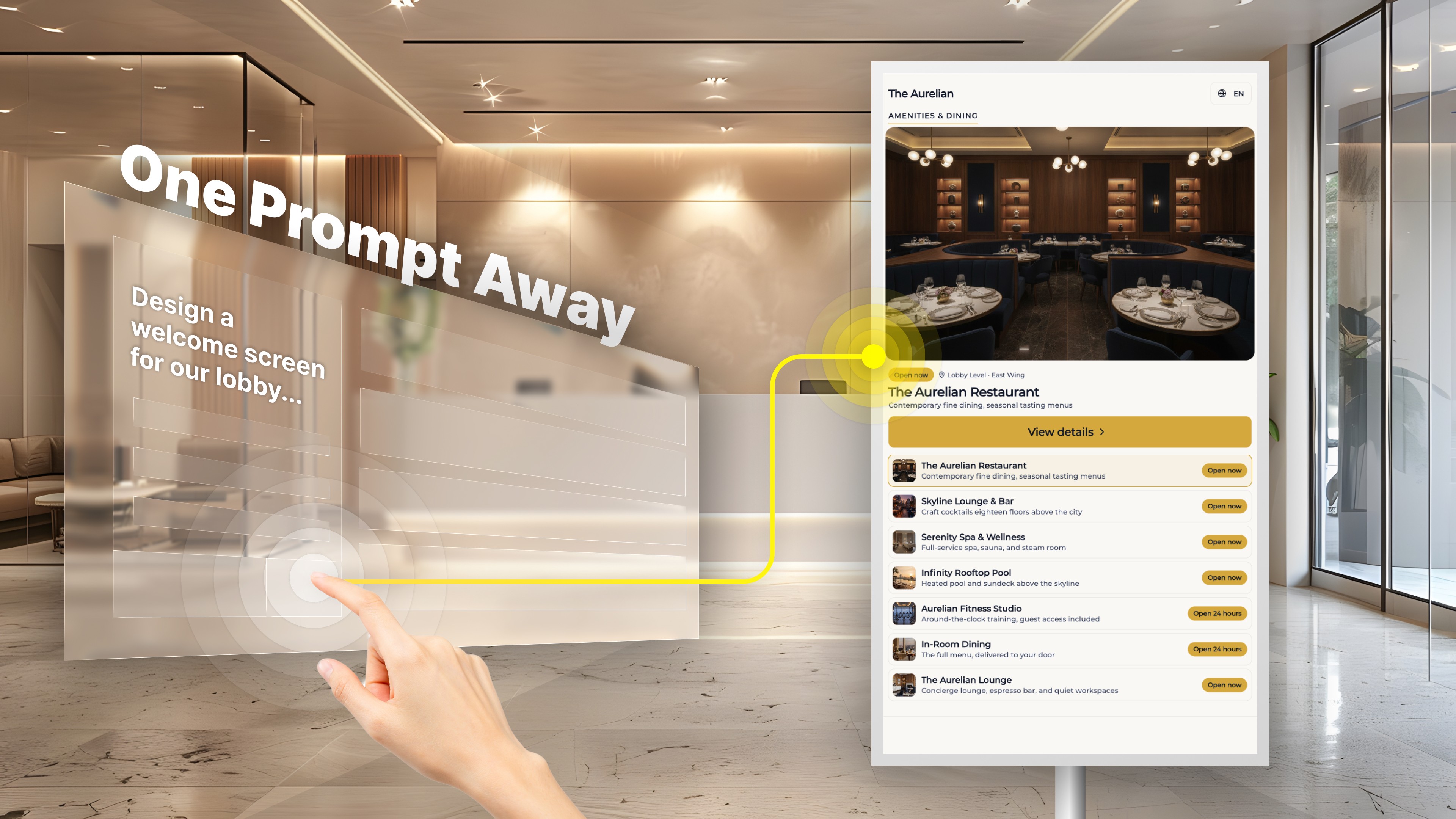
A lobby screen rarely stops at check-in, either. The same office check-in kiosk can also serve as a building directory, a wayfinding map, or a "now serving" queue for a service desk. Lobby screens are a core use case here, not an afterthought: OptiDev even ships a starting template it calls a Building Directory, described as a touch screen kiosk for lobbies. These are the everyday business screens people actually walk up to and use.
None of that is complicated on its own. It just normally means a developer. A form. Somewhere to store the visitor log. A way to connect it to the systems you already use. A layout that looks like your brand instead of a generic template. Each piece is small, but together they are exactly the kind of project that stalls, because no single person on the team owns "build the check in app." So it sits on the someday list, and the lobby keeps getting by with a paper sheet and a pen.
You describe it, and it gets built
On OptiDev, each of those pieces is a sentence instead of a sprint. Here is the same lobby check-in kiosk, walked from idea to live screen.
Design the screen. You describe what you want in plain words: "Build a lobby check in kiosk that asks for the visitor's name and who they are visiting, logs each visit, and shows a welcome message with our logo." A working version is generated from that one sentence. No design software, no ticket, nobody to loop in.
Make it actually work. A screen that looks right but does nothing is just a mockup, and this is where most tools stop and a business gets stuck. OptiDev includes a managed backend, so the visitor log has somewhere real to live: a database is provisioned and connected for you, with no server to set up and nothing to wire. The kiosk remembers who signed in because the plumbing came with it.
Connect it to your business. You describe the rest in plain language too: "Add each visit to our shared log." "Pull the staff directory from the sheet we already keep." And because this is business data, how it is handled matters. Your app stays isolated to your own workspace, secrets are encrypted, and credentials never get baked into the app's code. We go deep on that in How OptiDev Secures Every App You Build.
Get it onto the actual screen. Finally, the kiosk has to leave your laptop and live on the display by the front door. One click publishes it, securely. If your business already runs OptiSigns, it goes straight to the screens you already manage, with internal data staying internal.
The step | What it used to mean | What it is on OptiDev |
|---|---|---|
Design the screen | Agency mockups and revision rounds | Describe it, and the app is generated |
Make it work | Backend work, a database, forms wiring | Managed backend included, no server to set up |
Connect your data | Custom integration work | Describe the connection, kept isolated to your workspace |
Put it on the screen | Kiosk setup and an IT handoff | One click, secure publishing to the display |
In practice that whole loop moves fast. You send the first prompt, a working kiosk appears, and the next few minutes are plain corrections rather than code: the greeting is off, the logo is too small, move the name field up. Each change lands in seconds. Four steps a business always assumed it had to hire for, and by the time you have finished talking through them, the thing is real. That is why a working lobby kiosk can be realistic much faster than most teams expect.
A prompt gets you started; here is what keeps it running
It is fair to ask whether a kiosk you built this quickly can really run all day, every day, in a public lobby. This is the honest limit of many AI built apps. A prompt gets you a working demo, but a screen running unattended needs real data connections, access control on anything internal, and a secure way to publish that is not emailing someone a link and hoping it never gets forwarded. That last mile is where many AI built business tools quietly die, and we wrote about exactly that in Why Most AI Generated Apps Never Reach Production.
OptiDev closes that gap in the same session you built in. The managed backend, the built-in access controls, and the secure publishing are not extras you go and find later. They are there from the first prompt. So the kiosk you stand up today can be the same one still greeting visitors next month. Not a prototype you eventually hand to a developer to make real.
If your business already has screens up, this is the part that fits neatly. OptiDev publishes what you build straight to your OptiSigns displays, so the lobby screen you already own can run a real check-in app instead of one more looping slide. It is the same move we made the case for in What to Show on Your Office Screens Beyond Static Slides, now pointed at your front door.
Build the one your lobby needs
The kiosk was never the hard part. Needing someone else to build it was, and that is the piece that is gone.
Pick the one your business actually needs today. A visitor check-in. A building directory. A simple welcome board. Then describe it and see what you can get live by the end of the day.