You built a business app with an AI app builder, and it worked. The demo looked good. The team was interested. Then the security review started asking the questions that decide whether the app can actually ship: Who can open it? Where does the data live? What credentials are in the code? Are secrets logged anywhere?
That is where many AI-built apps stall. The app may look ready, but security is often discovered as a missing layer after the demo: no real login, connection strings in the code, broad data access, and no clear answer for where sensitive data goes.
OptiDev is built the other way around. It is a business AI app builder where security is part of the platform from the first prompt: SSO, encrypted credentials, restricted access to connected data, managed infrastructure, and private publishing. This post walks through those layers and why “from day one” is what determines whether an AI-generated app stays a demo or becomes something your team can actually use.
The real risk with AI-built apps
It’s worth being honest about vibe coding security instead of pretending the concern isn’t real, because it is. When an AI scaffolds an app and hands you a working demo, the parts a security team cares about are usually the parts it skipped.
Here’s what a review typically finds in a prompt-generated internal business tool. Raw database connection strings and API keys sitting in plain text inside the application code. No real access control: anyone with the link is in. Data access is far broader than the app needs, because it is easier to grant everything than scope it. These are common failure modes in tools that generate a front end and leave everything beneath it to you.
That’s the source of the common vibe coding security risks and vulnerabilities people search for: leaked secrets, open access, and over-broad permissions. The fix isn’t only to review every line an AI writes. It’s to build on a platform where the most damaging failure modes are handled before the first prompt.
That’s why security is worth understanding layer by layer, not as a single feature.
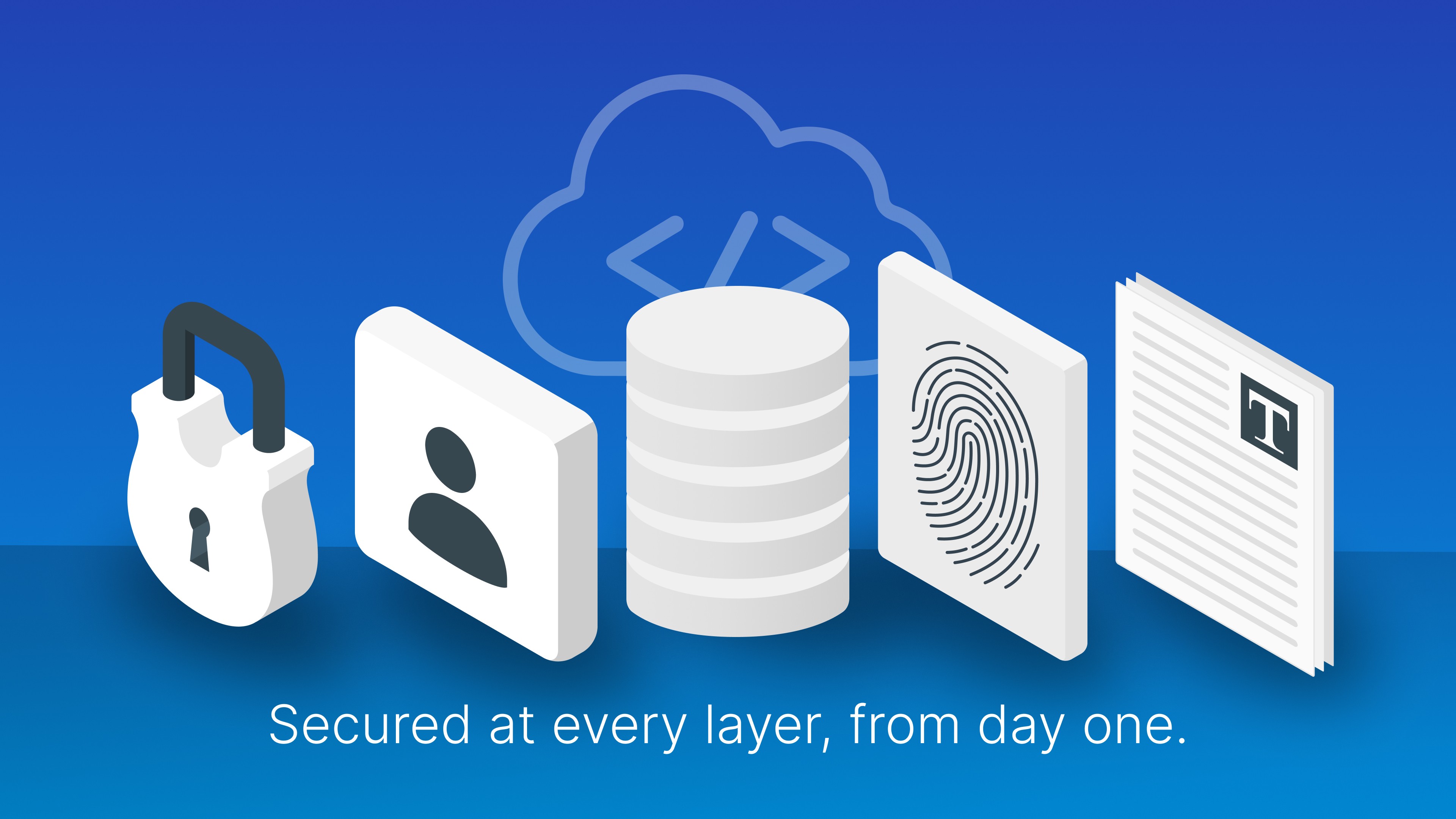
Secured at every layer, from day one
A review walks that stack one layer at a time before a business app is allowed near real data. For each layer, the question is the same: what does a security team ask here, and what has OptiDev already done about it?
Layer | What a review asks | OptiDev's day-one answer |
|---|---|---|
Identity & access | Who can open this app? Can we use our own login? | SAML SSO with any SAML 2.0 provider (Entra ID, Okta, Google Workspace); apps can be restricted to workspace members and authorized screens, not a public link |
Data & connections | Where does the data live? What can the app touch? | Secrets encrypted (AES-256-GCM) and injected at runtime, never written into app code; AI connects to data sources using read-only access; data stored and processed in the US |
The generated app and AI boundary | What can the AI see while building the app? Can it expose secrets or data from another workspace? | The AI can generate the app, but it cannot read your decrypted secrets or API keys, and it cannot reach data from other workspaces. Decrypted values are never passed to it. |
Infrastructure & compliance | Who's accountable for the platform? | Built by OptiSigns, a SOC 2 Type II certified company; a managed backend on Oracle Cloud with TLS 1.2+ enforced at the edge |
Publishing | Once it's live, who else can see it? | One-click publish over SSL; the app stays private even when published straight to your OptiSigns screens |
Identity and access
The first question is always who can open this. On OptiDev, an app doesn’t have to be a public URL that anyone who gets the link can load. You can lock it to your workspace and the screens you authorize. For business teams that need it, sign-in runs through your own identity provider over SAML SSO (any SAML 2.0 provider, including Microsoft Entra ID, Okta, and Google Workspace), so access follows the accounts and offboarding you already manage, instead of a separate password list nobody maintains.
Data and connections
This is where AI-built business apps often fail a review and where OptiDev’s design matters most. Secrets, API keys, and third-party credentials are encrypted with AES-256-GCM before they’re ever written to the database and injected at runtime, never embedded in the app code or baked into a container image. Decrypted secret values are never written to your application logs. When AI connects to business data sources, those connections use read-only access, so the app can read the data it needs without broad write access to the source system. And all customer data is stored and processed in the United States, which is the concrete answer to “where does our data live” rather than a vague promise.
The generated app and AI boundary
The fear behind secure vibe coding is that an AI will quietly write a vulnerability into your app. OptiDev narrows that blast radius structurally: the AI building your app can see your project’s files and metadata, but it cannot read your decrypted secrets or API keys, and it cannot reach data from other workspaces. The most damaging mistake an AI app builder can make is leaking a live credential into generated output, and that is designed out because the credential never passes through the AI in the first place.
Infrastructure and compliance
Eventually a review asks who stands behind the platform itself. OptiDev is built by OptiSigns, a SOC 2 Type II certified company, and it runs on a managed backend (a Postgres database, authentication, storage, and server-side functions), hosted on Oracle Cloud with all traffic encrypted via TLS 1.2+ at the edge. There are no servers for your team to stand up, patch, or accidentally misconfigure, which removes an entire category of the mistakes reviews are looking for.
Publishing
The last question is what happens once the app is live. A prompt in most tools often gets you little more than a link in a browser tab and no straightforward way onto a real screen. OptiDev publishes over SSL and keeps the app locked down, and it’s built to publish natively to digital signage: a single click gives you a URL you can use inside OptiSigns while the app itself stays private. An internal board stays internal; nothing sensitive about your business ends up on a shared link someone can forward.
Why “from day one” beats “add it later”
None of this is exotic. Plenty of platforms can bolt on auth or a database connector eventually. The difference is when. Security that gets added after the demo means a second build, a second review, and the procurement stall that kills most internal business tools before they ship. It’s the same wall we covered in Why Most AI-Generated Apps Never Reach Production.
Security that’s present from the first prompt means the app that passed the demo is much closer to the app that can pass review. There’s no retrofit scramble, because there was never a gap to close. That’s the real claim behind “enterprise-ready from day one”: not that OptiDev has the longest feature list, but that the answers a security team needs already exist when they start asking, the same way a live data connection is already there when finance asks for real numbers.
Building fast and building securely are often treated as a trade-off. They do not have to be, and solving that tension is exactly what a business AI app builder should do, so your team can ship instead of stall.
Before: a demo that stalls at the security review.
After: a business app built with the security answers reviewers expect, from the first prompt.