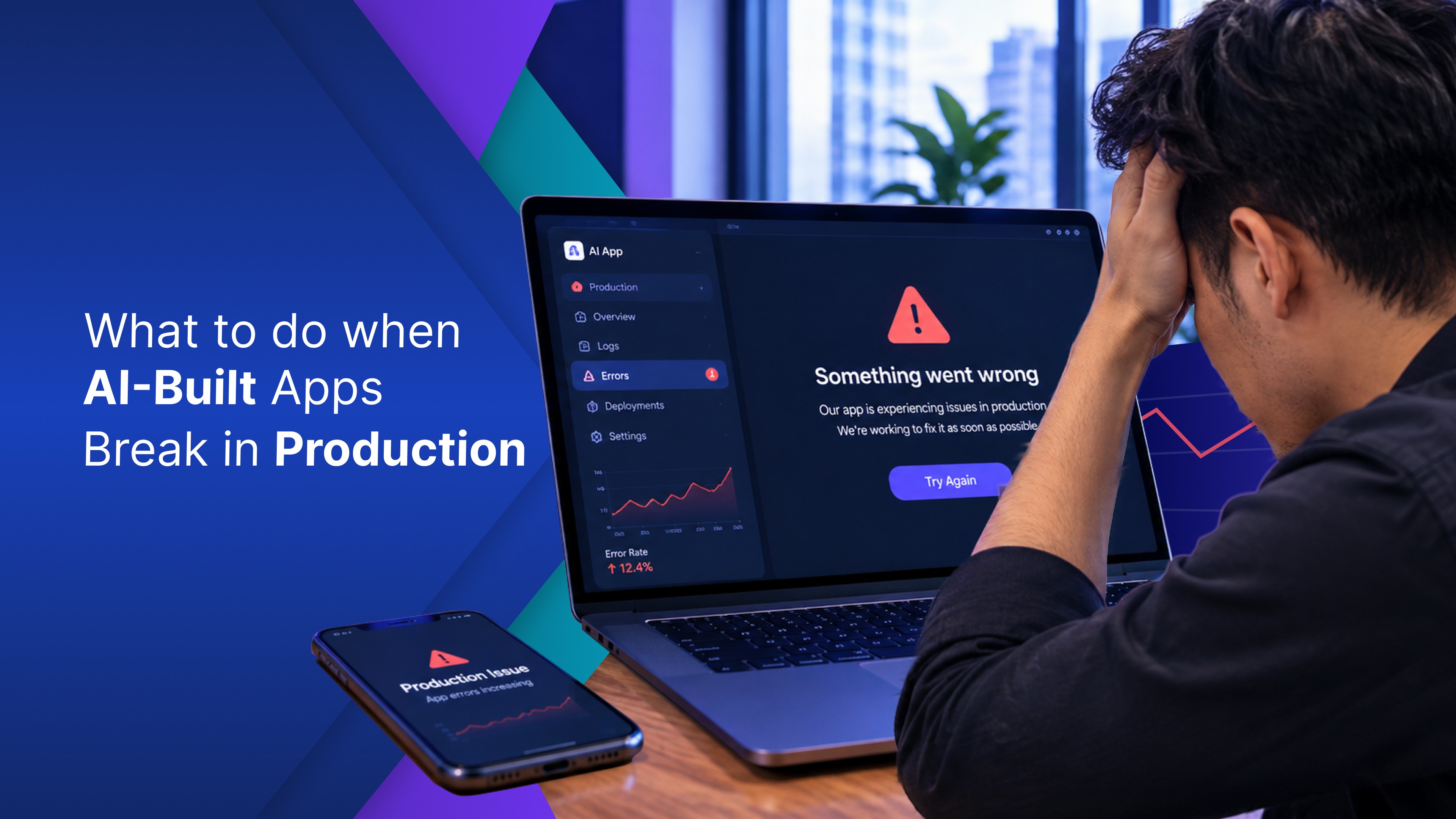
Someone on your team messages you: The tool is not working. At first, it sounds small. A form that will not submit. A number that has not moved since last Tuesday. A page that spins and spins. You built this app in an afternoon. It worked. Everyone was pleased. Now it is failing in front of the whole business, and you are the one who has to fix it. Except nobody on your team wrote the code, so there is nowhere obvious to look.
Here is the good news. Vibe coding gone wrong is not random. These failures come in a handful of shapes, and once you can name yours, you can do something about it.
What actually breaks after an AI-built app goes live
Most vibe coding problems show up after launch, not during the build. The most common is that the app quietly stopped saving: someone fills in the form, hits submit, and the record is not there. Sometimes it never saved. Sometimes it saved somewhere temporarily that got wiped. Close behind is the app that works for you and nobody else, where you see everything and your colleague sees a blank screen, an error, or numbers they were never meant to see. It looks like it has real accounts, and it does not. Quieter still is the dashboard that went stale without anyone noticing, because the link to your spreadsheet broke and the screen kept showing the same figures all week while your team made decisions on them.
Then there is the load: fine when you tested it alone, not fine at nine on a Monday when eleven people in the business opened it at once. Then there is access: someone outside your team finds the URL and can open the app, or a password is sitting inside the app in plain text. These are the vibe coding risks worth taking seriously, and what a secure build looks like is its own subject. The last one is the slowest to arrive: whoever prompted the app has moved on, or it was you and you have forgotten what you typed, so every fix breaks something else and the app gets harder to change.
These look like six different problems. They are one.
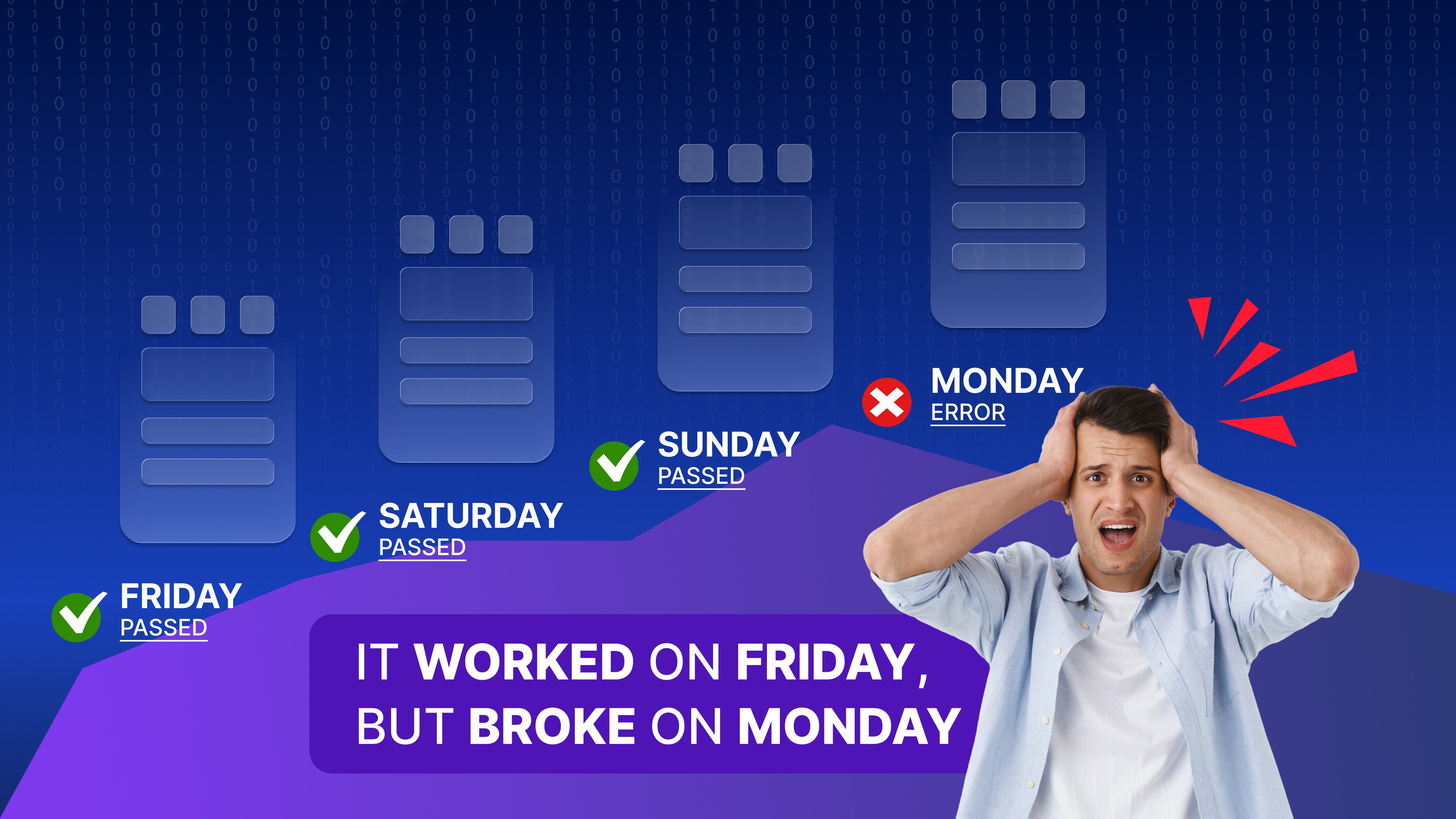
Why it worked on Friday and broke on Monday
Vibe coding is not bad, and it is not the reason your app broke. It built something that worked. What it did not build was everything underneath. Your app was made to work once: on your machine, with your data, with one person using it, while you watched. That is a demo. A demo and a tool your business runs on are different jobs.
Almost every vibe coding issue on that list comes from the gap between the two. The form saved nothing because there was never anywhere for it to save. There were no real accounts because nobody asked for accounts. The connection broke quietly because nothing was watching it. None of that is a flaw in how you described what you wanted. It is what the tool was built to do, and why most AI generated apps never reach production goes through it in full.
What to do when it breaks
Before you start vibe debugging your way out of it, stop changing things. The first fix can make the damage worse if you do not know what happened yet.
Start here:
Check whether the data is still there. Find out what has been lost before asking the AI to change anything.
Export whatever the app is holding. Even copying the records into a spreadsheet is better than losing them during the next fix.
Go back to the last working version if you can. If your builder keeps version history, use it before making new changes.
Describe the failure like you would to a person. Not “fix the form.” Say what you did, what you expected, and what happened instead. For example: “When I submit the form with a name longer than thirty characters, the page reloads and the record does not appear.”
Change one thing, then test the whole app. An AI code debug pass can fix the exact thing you pointed at and quietly break something else.
Click through the parts you did not ask it to touch. No vibe code fixer knows what the rest of your app is meant to do.
Know when it is not really a bug. If the same failure keeps coming back after three fixes, you are not fixing a bug. You are arguing with the shape of the app.
Debugging AI-generated code gets much easier when the failure is described clearly. The goal is not to keep prompting until something changes. The goal is to protect the data, make one controlled fix, and check that the app still works as a whole.
How to stop it happening again
If the app is worth keeping, the next version needs four things underneath it, and it is worth asking for them up front, whatever you use to build it. It needs real accounts you did not have to build, so who can sign in and what each person sees is decided outside the app rather than typed inside it. It needs a database somebody else runs and backs up, because you should not be the reason your business data still exists on Monday. It needs a proper place to keep secrets, since passwords and keys belong where the app can use them without exposing them in the app itself. And it needs somewhere to try a change before everyone sees it, which is not a full test setup, just not editing the live thing at four on a Friday.
Not every broken app needs rebuilding, and this is where the vibe coding limitations are worth being honest about. A tool three people use for a month is fine as it is. The ones worth moving are the ones that quietly became something your business depends on.
Common questions
Why does my AI-built app keep breaking?
Because the app bug you keep fixing is a symptom, not the cause. Most AI builders generate what you can see and little of what sits beneath it, so the same gap keeps surfacing in new places.
Can I just ask the AI to fix it?
Often yes, for the thing you pointed at. If fixes start to feel like the wrong bet, weigh them against the real cost of a custom internal tool.
Build the next version on a stronger foundation
The failures in this post come from what was missing underneath your app, not from how you described it. OptiDev gives every app real accounts, a managed database, and encrypted secrets before you type the first prompt. Apps will still need fixing. They are much less likely to fail in these particular ways. Describe the tool your business needs and build it at app.optidev.ai. No credit card required.