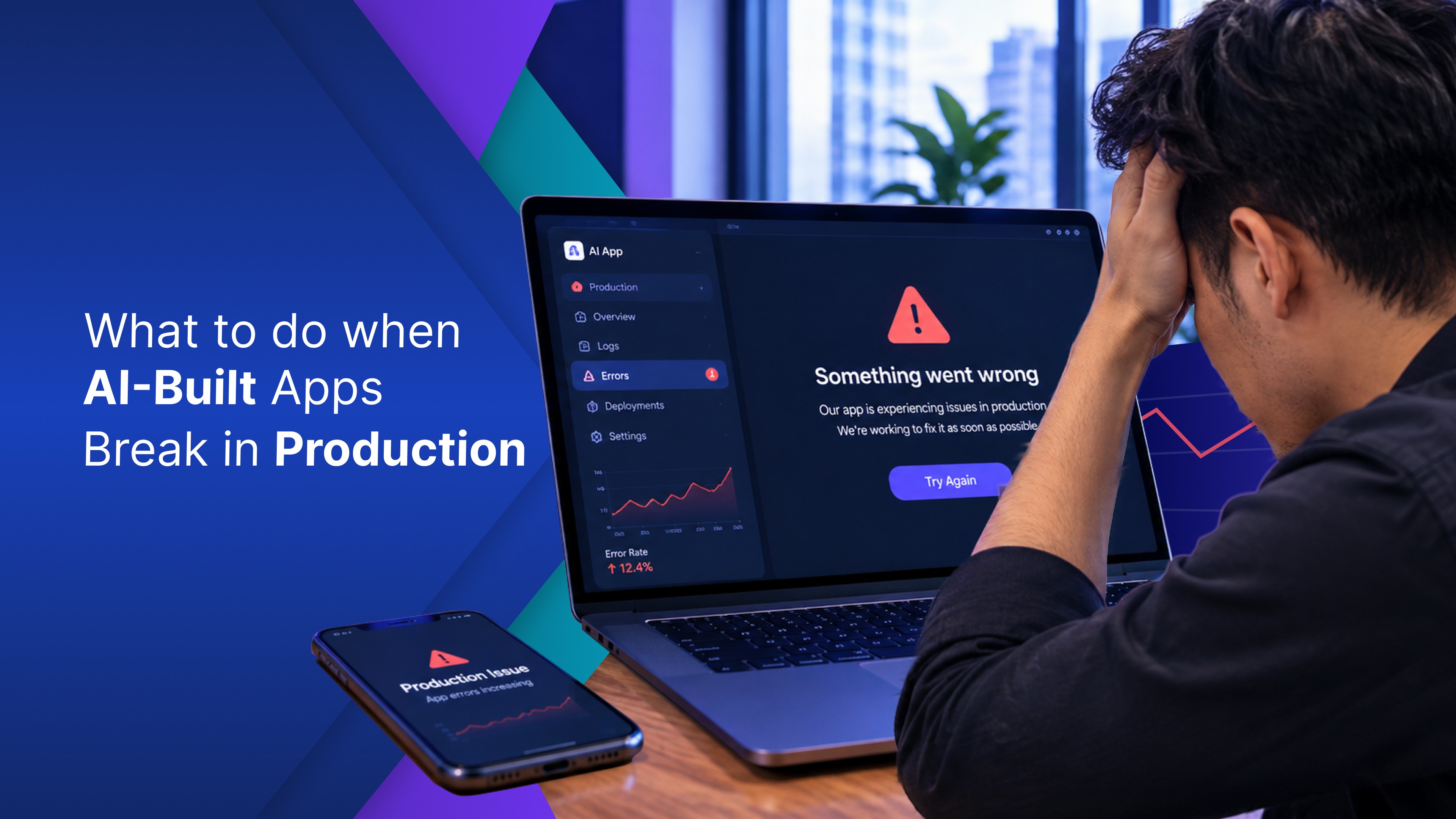
You built something with an AI app builder that worked in the demo. It looked good. The walkthrough was clean. Then it hit a real team with a real database, a real security review, a real IT approval process — and quietly stalled.
That's not bad luck. It's a structural problem with how most vibe coding tools are designed.
This post covers exactly why AI-generated apps fail to reach production: the two gaps that stop most internal tools before they ship, what enterprise-ready infrastructure actually looks like from day one, and what it takes to get from a working demo to a deployed app your team actually uses.
Let's break down where it falls apart — and what actually ships.

Two walls that stop AI-built apps from shipping
No path to real data
Most AI app builders are very good at generating the visible part of an app. The UI works. The numbers are fake.
Connecting a real data source (Postgres, Snowflake, Salesforce, a REST API) means doing everything the AI didn’t do. You write the connection logic yourself. You manage credentials the AI never knew about. You debug schema mismatches the AI can’t see.
The AI scaffolded a front end. It built nothing beneath it.
What was supposed to ship “this afternoon” turns into a sprint item. Then it gets quietly moved to the backlog.
No security model
A surprising number of prompt-generated apps have no real answer to the questions a security or IT review will ask. No access controls. No audit trail. No answer to the questions IT or compliance will ask before they let it near production data.
Here’s what a security review actually finds in a typical AI-generated internal tool: raw database connection strings sitting in application code, no role-based access, no record of who accessed what, and no documentation explaining where the data goes.
These aren’t edge cases. They are structural gaps in how most AI app builders work.
What started as a quick internal win became a 3-month procurement process. Most teams shelve the project before that conversation even starts.
What enterprise grade from day one looks like
The apps that consistently ship aren’t built faster. They’re built on platforms where auth, data connectivity, and security are already in place when you start, not retrofitted after the demo looks good.
We covered the simpler version in our previous post: connecting a live Google Sheet so the data is real and the dashboard deploys to a shareable URL in the same session.
The same infrastructure question surfaces at every layer:
Typical vibe coding tool | OptiDev | |
|---|---|---|
Build it | Works, looks good | Works, looks good |
Share it | No user login exists | Auth provisioned at project start |
Connect to data sources | Manual setup, credentials in generated code | Secure connector, no credentials in app code |
Deploy | Needs hosting; nobody has set up | One-click deploy, shareable URL |
Time to actually ship | Days to weeks, if ever | Same session |
Most enterprise-capable platforms have database connectors. The distinction is whether auth, access controls, and deployment infrastructure come built in — or get discovered as missing steps after the demo.
The first approach produces apps that ship. The second produces demos with a long list of prerequisites.
The question that matters
Vibe coding tools win the speed race. Building something functional in minutes is real, and that part works.
The question is what survives contact with a real team: real users who need login access, real data that lives behind a firewall, and a real IT team that needs answers before approving anything.
Enterprise-ready does not mean harder to build. It means the infrastructure is already in place when someone asks for the link, when finance needs live numbers, and when IT asks where the data lives.
A production-ready app starts the same way as a demo. It just needs to be built on something designed for the finish line.