Your ops team needs a tracker. IT quoted eight weeks.
Someone on the team opened an AI tool, described what they needed in plain English, and had a working prototype the same day. No ticket. No contract. No waiting.
That’s vibe coding. And it’s changing what non-technical teams can ship on their own.
What is vibe coding?
Vibe coding is a software development approach where you describe what you want in plain language and an AI writes the code for you. Instead of learning syntax or a framework, you direct the AI: tell it what to build, review what it produces, and iterate until it's right. In many cases, that means less time spent wrestling with setup, syntax, and manual debugging.
The phrase gained attention in early 2025 as shorthand for a style of programming where the focus is on describing intent rather than writing syntax by hand. In that model, the role of the developer shifts from manually producing code to deciding what should be built and guiding the system toward the desired outcome.
For a business team without technical staff, that difference is the gap between waiting three months for a dev sprint and shipping something next week.
How does vibe coding work, step by step?
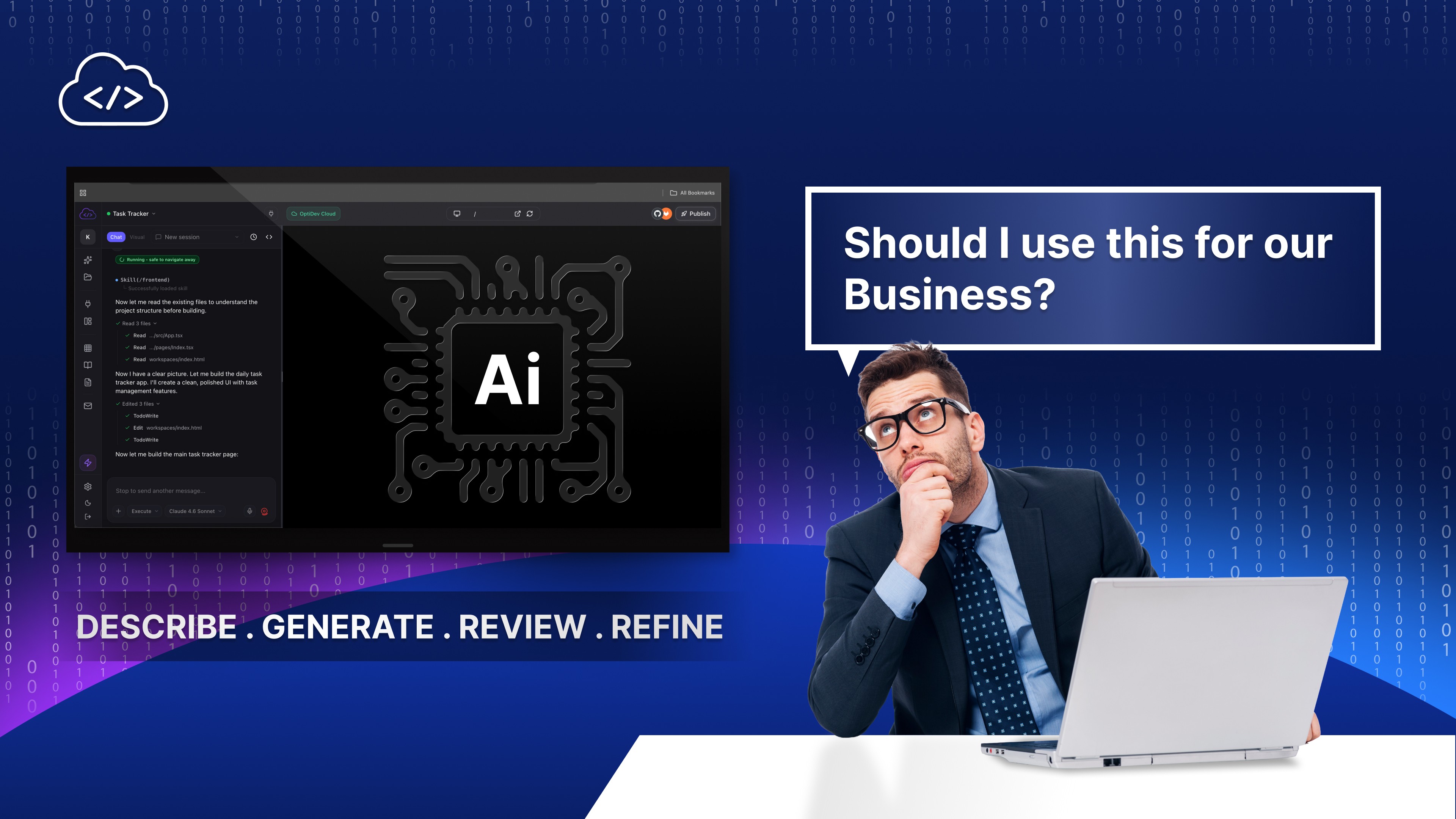
The loop has four steps: describe, generate, review, and refine.
What you do: Write a prompt in plain English. Review what the AI produces. Say what needs to change. Test the result.
What the AI does: Write the code, connect the components, handle the data structure, wire up the logic.
What you skip entirely: Writing code, debugging syntax errors, managing package versions, or learning anything about the technical stack underneath.
Most of the time in a vibe coding session goes into the iteration that follows, not the initial prompt. That’s not a bug. The AI is fast at implementing small changes: “move the export button to the top,” “add a date to each row,” “send me an email summary every morning.” You’re not debugging. You’re directing. The skill being used is knowing what to ask for, not knowing how to build it.
What can business teams actually build this way?
The honest answer: more than most business teams realize, and less than the loudest AI hype suggests.
Here’s the practical calibration rule: if the application is internal, serves fewer than 100 users, and a spreadsheet is currently doing the job, you can almost certainly vibe code it. That covers a wide range:
An inventory or stock level tracker that replaces the spreadsheet three people edit simultaneously and constantly break
A daily ops report form that rolls submissions into a summary dashboard automatically
A budget tracker for a department, project, or event, with a live running total that updates as entries come in
A morning summary email that pulls the previous day’s form submissions and formats them for the right people
If that list looks like your company’s perpetual dev backlog (the tools IT keeps deprioritizing because they’re not strategic enough for a full sprint), that’s not a coincidence. These are exactly the applications vibe coding is well-suited for.
We walked through exactly this kind of build in Turn Your Spreadsheet Into a Live Dashboard With AI, from the first prompt to a working tool.
Should your business use vibe coding?
Before the answer: the output is real code, and real code can be wrong in ways that aren’t visible in the interface. An app that looks like it’s working might have a data-handling error that only surfaces under specific conditions or a security gap that isn’t obvious until someone finds it the hard way.
“The apps that fall apart in production are almost always the ones where no one reviewed the code between the prompt and the deploy.”
Treat it as a first draft, not a finished product. That one habit prevents most of the failures.
We cover the most common failure patterns in Why Most AI-Generated Apps Never Reach Production.
Probably yes. But the shape of your use case matters more than your enthusiasm for the technology. Vibe coding is a tool with a profile: very good at a specific class of problems, poorly suited to another. Knowing the boundary before you start saves you from building something you’ll have to throw away.
How to get started with vibe coding
You don’t need an IDE, a GitHub account, or any knowledge of any programming language. The best starting point is the most frustrating tool your team uses right now: the spreadsheet that breaks, the shared document everyone maintains by hand, the process that lives in someone’s inbox.
Describe it in one sentence. From there you iterate: add a field, add a filter, and add a notification. The tool grows through conversation, not configuration.
The gap most teams hit is moving from “working prototype” to “something we can actually deploy.” Auth, data security, production infrastructure: that’s where vibe coding alone runs into its limits. OptiDev handles that layer: the scaffolding, deployment, and access controls are built in, so the app you build is designed with deployment, access control, and infrastructure in mind, not just as a demo that works on your laptop.