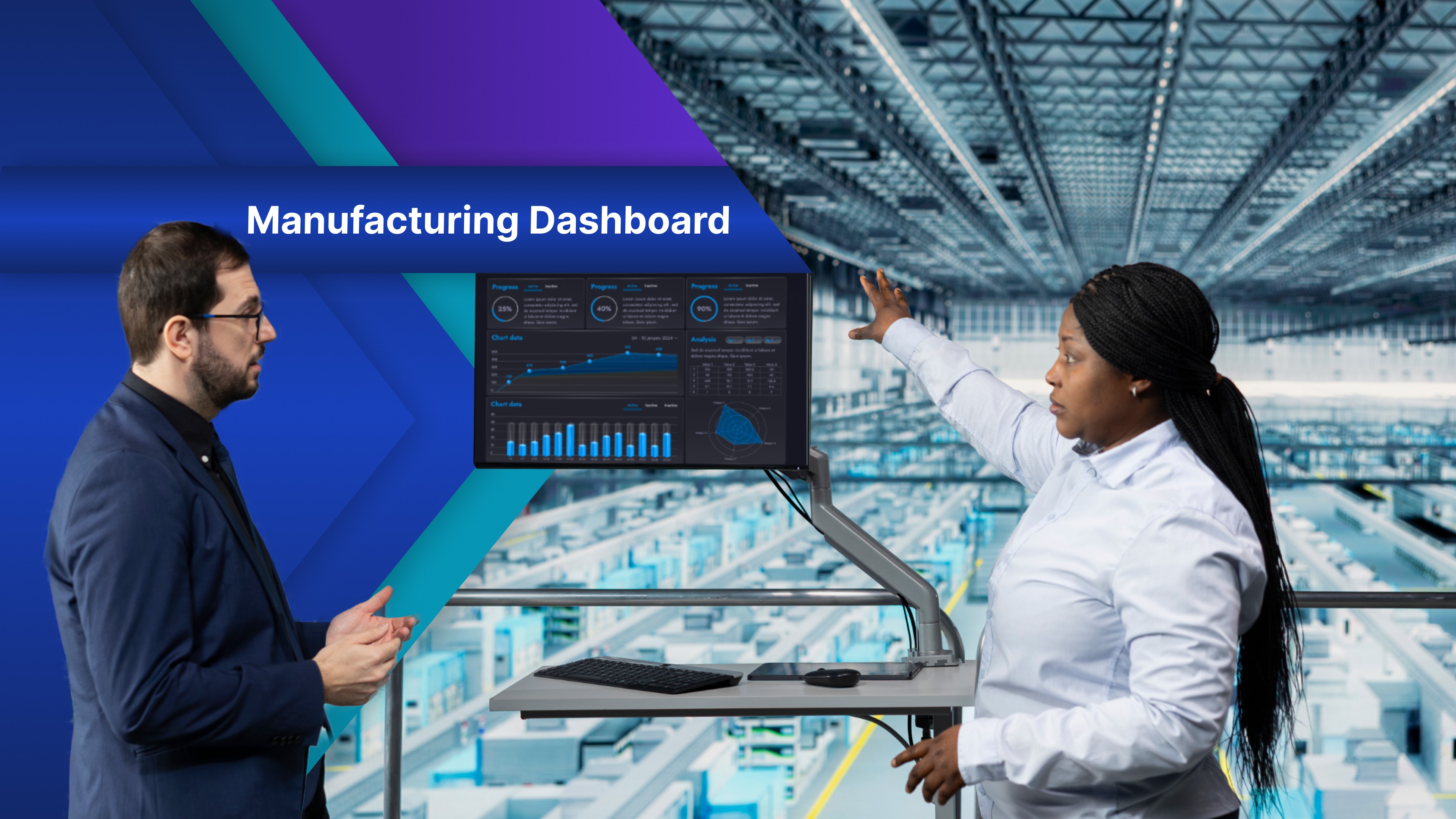
You have probably seen it: a TV above the line showing a dashboard built for the monthly business review. Twelve charts, tiny labels. The crew walks past it all shift and never looks up.
Here is why that matters. A floor problem is easiest to fix during the shift it happens in. If nobody sees that a line is behind, they find out in tomorrow's report, when the shift is over.
The numbers on that TV are fine. The screen was built for a desk and hung on a wall.
Below are five manufacturing KPI dashboard examples built for the floor: what goes big on each and what stays off on purpose. Each ends with a prompt you can paste into OptiDev, so you are not only choosing what to show, you are starting the first version of the board.
What makes a floor screen different?
A floor screen is a visual management board: a manufacturing dashboard people read in a glance from across the floor while they work. It answers one question with one or two big numbers, in colors that mean the same thing on every screen.
A production dashboard for a business review can hold twenty charts. A floor screen gets consumed in a few seconds, so it follows three rules.
One question per screen. If it needs a legend, it belongs on a desk.
Readable from where people stand. The main number should be easy to read from the farthest spot.
Colors mean one thing. Use colors the same way on every screen: green is fine, amber needs attention, and red means stop and respond.
Where each screen should hang is covered in How Manufacturers Are Tracking Production in Real Time.
Five examples at a glance
Screen | The question it answers | What stays off |
|---|---|---|
Andon board | Who needs help right now? | Counts and targets |
Hour by hour production board | Are we on pace this hour? | Yesterday and last week |
Downtime board | What stopped us this shift? | Names and long reason lists |
OEE by machine | Which machine is costing us this week? | The formula |
EHS dashboard | Are we working safely? | Incident details and names |
1. Andon board: who needs help right now
One tile per station: green running, amber help called, red stopped. An open call shows how long it has waited, so the oldest one gets answered first. No counts, no charts: extra numbers teach people to ignore the colors. This is a digital andon. An operator taps a button on a tablet at the station, and the same app can be both the button and the board.
"Build an andon board with one tile per station, green running, amber help called, red stopped, showing how long each call has been open, plus a tablet page where operators tap to call."
2. Hour-by-hour production board: Are we on pace this hour?
The biggest number is this hour's count against the target, colored by pace. One quiet column shows first-pass yield, a quality KPI the crew can act on mid-shift. Yesterday stays off. The Production Tracker template is a close start: it already has a TV view and a tablet page where workers update counts.
"Build an hour-by-hour production board: this hour's count against target in large numbers, green or red by pace, earlier hours as small colored cells, and a first-pass yield column."
3. Downtime board: what stopped us this shift
Any stopped line goes at the top, the biggest on the screen, with how long it has been down. Below sit this shift's top three stoppage reasons. Names stay off: a board that blames people gets switched off.
"Build a downtime board with any stopped line at the top and how long it has been down, this shift's top three stoppage reasons as bars, and a form for supervisors to log reasons."
4. OEE by machine: Which machine is costing us this week?
One bar per machine for this week's OEE, against the plant's own target. This is better for a supervisor or maintenance screen than a line operator screen. Availability, performance, and quality sit small under each bar, so the team sees which part is pulling the number down. One limit, stated plainly: this board shows an OEE figure your business systems already calculate. It does not work OEE out from the machines.
"Build a weekly OEE board from our system's OEE figures: one bar per machine against a target, with availability, performance, and quality small under each bar."
5. EHS dashboard: Are we working safely?
Reported near misses, open safety actions, the next safety walk and one short rotating message stay visible. If you show days since the last recordable incident, keep it large but do not make it the whole board. Incident details and names stay off: a safety dashboard is public, the incident log is not. For the rotating message, start from the Safety Training slideshow template.
"Build an EHS dashboard showing near misses reported this week, open safety actions, the next safety walk date, days since the last recordable incident, and one rotating safety message."
What to leave off the floor screen
Most manufacturing KPIs belong in the office. Three kinds never belong on the floor.
Anything the floor cannot act on this shift. Monthly revenue matters to the business, not to the person at the line.
Anything that needs a click. Nobody can use a filter on a screen on a wall.
Anything nobody has updated in a week. A stale number that looks live is worse than a blank screen. Not recorded anywhere yet? Start with Shop Floor Data Collection: What You Need Before a Live Board.
The best manufacturing performance indicators are ones a crew can change before the shift ends.
Start with the screen your floor asks about most
Do not build all five. Pick the one your floor asks about most and build that first.
You can build the first version free, no credit card required. Paste a prompt above, then tell it what to change. Each app comes with its own database, user accounts and hosting, so your business is not waiting on a development project. Publish it to OptiSigns for the screen above the line. Private apps show only to your workspace and your OptiSigns screens.
To see what else digital signage can do in a plant, visit OptiSigns for manufacturing. Then leave it up for two weeks and let the crew tell you what is missing.
A screen nobody reads is just a TV. A screen that answers one question helps the floor run the shift.