The shift ends at three. Someone writes the count on a whiteboard, and the real number, the one that reconciles against the plan, arrives in a report the next morning. By then the shift is over, and nobody who ran it can act on it.
Real-time production tracking gets described as a measurement problem. In most plants it is not. Plants measure constantly: a count at every work center, a scan at every handoff, and a scrap tally. The numbers exist somewhere inside the business, just not where the floor can see them during the shift. It is a distance problem.
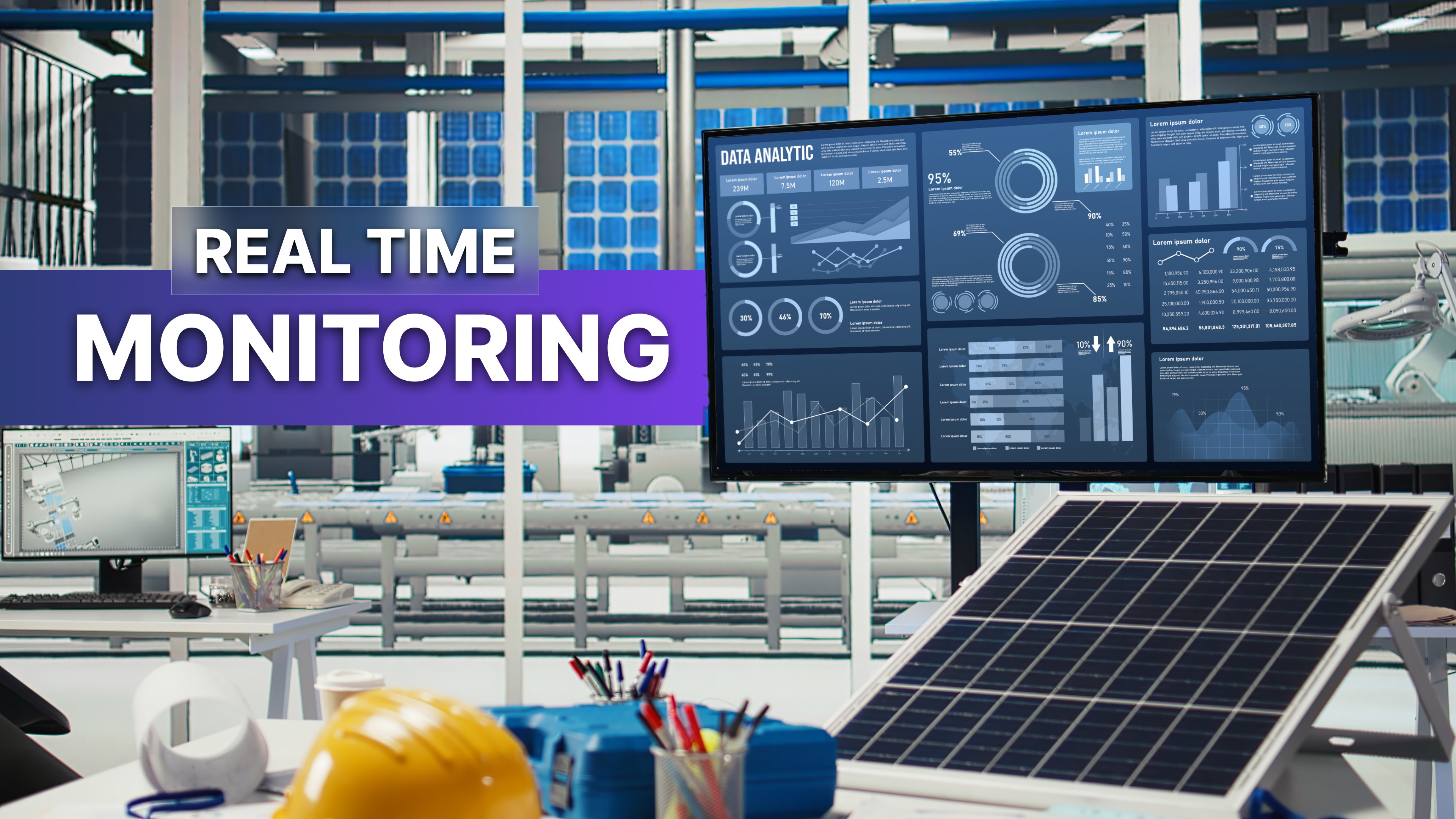
Real-time production monitoring means showing what the line is doing right now: output, downtime, scrap, and job status. Instead of waiting for tomorrow’s report, the team can see the issue while there is still time to respond during the shift. The data usually already exists. What changes is where it appears.
What changed is who builds that view: not a systems integrator with a six-month statement of work, but someone on the business side, describing it in plain language. That practice is called vibe coding, and a production board is a good place to point it.
What real time actually means on a floor
Ask vendors what "real time" means, and the answer often gets technical fast. On an actual floor the definition is plainer. A real-time production monitoring system is one where the number a person sees matches what the line is doing closely enough to act on before the shift ends. For most plants, that is seconds or minutes, not milliseconds. Anyone who has sat through a production monitoring system demo knows the difference and which one they needed.
It helps to separate two jobs that get discussed as one: capturing the number and getting it in front of the person at the machine. Most plants have solved the first. Very few have solved the second, and it is easy to miss because the first looks harder.
Here is the same number, in three places:
Where the number lives | Who can see it | When they see it | What it can still change |
|---|---|---|---|
A report in an inbox | Supervisors and management | Tomorrow morning | Nothing about yesterday's shift |
A dashboard behind a login | Anyone with an account and a desk | Whenever they check | Something later, not the operator |
A screen at the line | Everyone on the floor | Now | The shift you are running |
What actually goes on the board
A floor board does not need to show everything, only the few things a crew can respond to. Each is one sentence to build.
Output against target. Today's count next to the plan, by line and shift. "Show units produced today against target, by line, with a bar that fills as the shift goes on." Most plants start here, and OptiDev ships a template for it called Production Tracker: real-time tracking for manufacturing.
Downtime, live. Which line is stopped, for how long, and why. "Flag any line currently stopped, with how long it has been down and the reason."
Scrap and first-pass yield. The number that quietly decides the month. "Show today's scrap count and first-pass yield by line."
OEE, if you already calculate it. Many plants have the figure in a system nobody on the floor can see. A board moves it to where the crew is. Deriving it is separate work.
Safety and shift information. Days since the last recordable, today's crew, and the changeover schedule. Often the easiest first board to put up.
One constraint separates a floor board from a manufacturing dashboard built for a desk: it is read from twenty feet away, in motion, by someone in gloves and safety glasses. Three numbers, not thirty. If a supervisor has to walk up and squint, it has already failed.
Where the numbers come from
None of this works without a source. If the count only exists on a clipboard, a screen will not fix it, and that is a different project.
For most plants the source exists. It is usually one of these:
A business system that can hand the number over through an API. The main path: the app calls whatever already holds the production record, with credentials in encrypted storage rather than written into the app.
A scan or terminal entry at the work center. This is what shop floor data collection means, and it has to happen before any board is possible.
The board itself. Some numbers are easiest to capture where they happen, like a supervisor logging a downtime reason at the line. A managed database comes with the app.
The honest boundary: OptiDev does not wire into machines, PLCs, or sensors, and there is no purpose-built connector for your MES or ERP. So the useful question is not which systems you run, but whether the one holding the number can hand it over. In practice that means an endpoint, or a query somebody in IT can point you to.
Where the source can hand over the number, the view on top is now the easy part. If you have ever turned a spreadsheet into a live dashboard, this is that same move with a plant around it.
What building one actually looks like
Real-time production tracking projects rarely stall on the software. They stall in the months of specifying before anyone sees a screen.
This runs the other way around. You start with the sentence, the output board from earlier. A working version comes back, and it is wrong in the small ways a first version always is.
So you say what is wrong. The target is buried; make it the biggest thing on the screen. Use our line names, not Line 1 and Line 2. Drop the second chart. Each correction is another sentence, not a change request, until it looks like something you would hang up.
That is the part worth understanding, particularly if you sit on the business side rather than in IT. You are not writing a specification and waiting on it. You are looking at a board and adjusting it, which is how anyone who has run one already thinks.
Where the board goes, and what keeps it running
Where should a manufacturing dashboard actually go? Placement decides whether it changes behavior or simply exists. In priority order:
At the line or cell, where the work happens.
At the handover point, where crews cross between shifts.
In a break room or main corridor, for plantwide numbers.
In the supervisor or planning office, for the detailed view.
Only the first changes what happens during the shift. The rest inform people who act later. Then the constraints any plant knows: sightlines, glare from a bay door, mounting height, dust, and washdown.
A board running unattended for months is not a demo, and that is where quickly built tools stop. It needs a real connection to its source, access control on anything internal, and a route to the screen that is not a forwarded link, the gap we wrote about in Why Most AI-Generated Apps Never Reach Production. These are real business numbers on a screen many people walk past, so private apps stay private, reachable only through authenticated OptiSigns hardware, never a public URL. More in How OptiDev Secures Every App You Build — From Day One.
If your business already runs OptiSigns, this part needs no new hardware. Assign the board to the screens you want, and it shows up within seconds of publishing. The screens above your lines are already there, most of them showing something nobody reads. It is the same argument we made in What to Show on Your Office Screens Beyond Static Slides, pointed at the floor instead of the lobby.
The number that arrives tomorrow morning cannot change today's shift. It never could. The only thing missing was somewhere on the floor to put it.