You have probably seen a live production board somewhere: a screen above the line, today's count against target, updating as the shift runs.
And you have probably thought, "We would never have the data for that."
For many plants, that is not quite true. Shop floor data collection and putting a board up are two different jobs, and they get sold as one. You may have already done more of the first than you think.
Here is how to tell.
What shop floor data collection actually means
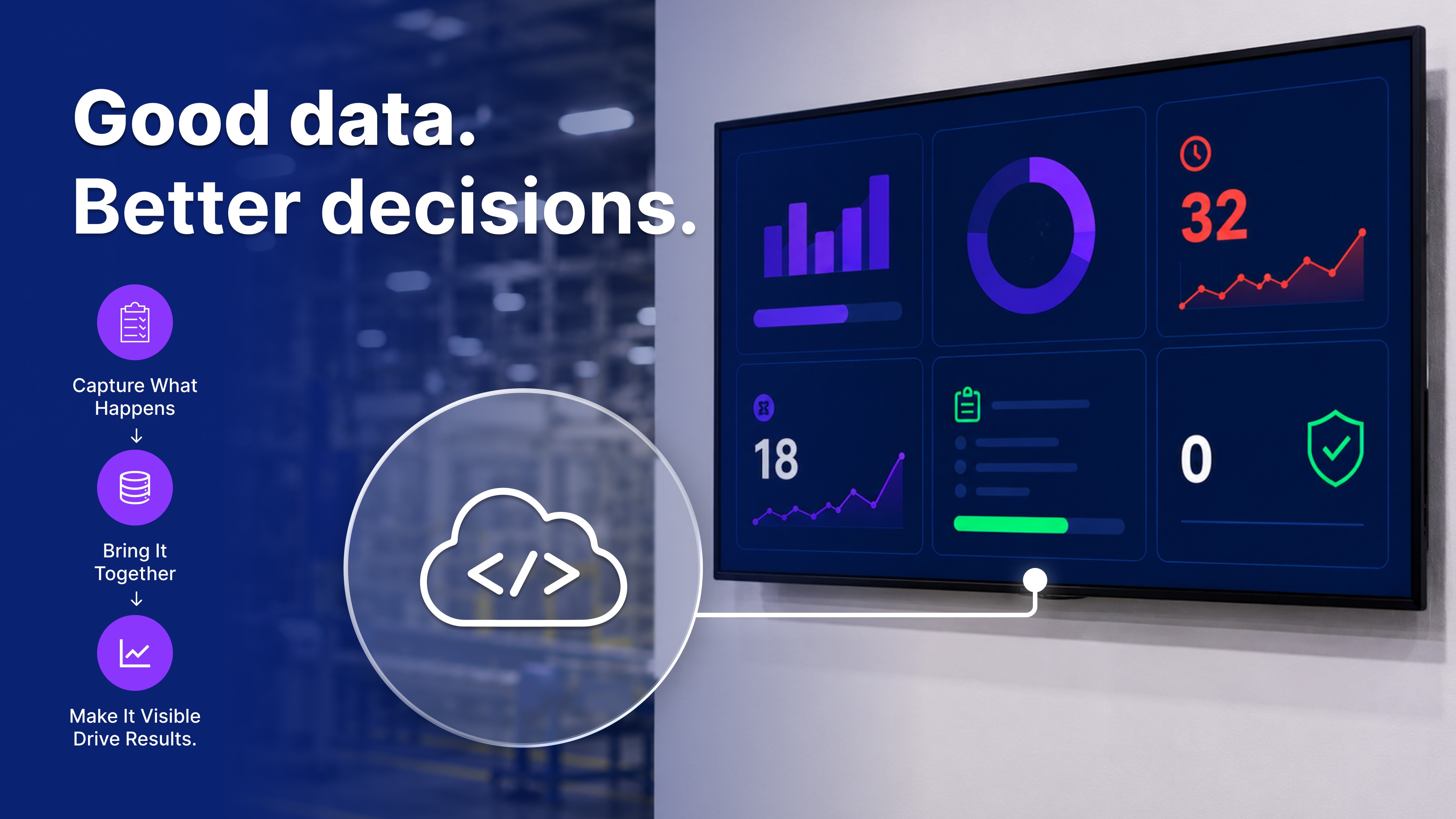
Shop floor data collection means recording what happens at the line as it happens: output, downtime, scrap, and job status. That is the first job. Showing those numbers to the crew on a screen is the second, and it only works if the first already happened somewhere a system can reach.
That first job goes by several names, manufacturing data collection and production data collection among them, depending on who is selling it. Whatever it is called, most plants have done more of it than they realize. Every pallet scanned, every job closed out on a terminal, every downtime reason keyed in by a supervisor counts. The number exists somewhere in the business. It is just not where the crew can see it.
OptiDev does the second job, and part of the first. It builds a view on top of a number that already exists and puts it on a screen where the work happens. Because every app comes with a database, it can also be the screen somebody enters the number on. What it cannot do is read machines. What belongs on the board is answered in How Manufacturers Are Tracking Production in Real Time — On the Floor.
Where your production numbers already live
So the real question is not whether your plant collects data. It is whether whatever holds the number can hand it over.
What holds the number today | Can it feed a board | What has to happen first |
|---|---|---|
A business system that can expose the number through an API, such as an ERP, MES, or WMS | Yes | Someone in IT points you at the endpoint |
A scan or terminal entry at the work center | Yes, if the scan lands in a system | Confirm where it writes to |
A spreadsheet a supervisor updates each shift | Yes | Keep it somewhere a system can reach, not on the desktop |
A clipboard, a whiteboard, or a tally in someone's head | Yes | Somebody keys it in. The same app can be the form and the board |
A machine nobody records output from | No | Getting a number off a machine needs tools OptiDev does not have |
Most plants are a mix. A common setup is scan guns at the work centers feeding an ERP, a spreadsheet the supervisor keeps for scrap, and a whiteboard for the daily target. Two of those three can feed a board today.
If you are not sure which row you are in, that is the normal answer, not a failure. There is a scan gun at the work center, and nobody has ever had a reason to ask where the data goes. It is one question for whoever runs your business systems: where does this number end up, and can something else read it there?
One practical check: where does the machine data end up? In many modern setups, the number is not trapped inside the machine. It is already stored in a cloud system, ERP, MES, WMS, or another place your team can access. If that source can expose the number through an API or reachable data path, OptiDev can use it for the board.
If your row is the spreadsheet, that is more common than it sounds, and it works. That exact move is Turn Your Spreadsheet Into a Live Dashboard With AI.
How live is live, and what to do next
One last assumption worth checking. Real-time manufacturing data collection does not mean the screen matches the machine at that instant. On a floor it means close enough to act on before the shift ends, and your source sets that pace, not the screen. If the count updates when somebody closes out a job, so does the board. A screen makes business data visible. It does not make it fresher.
So, three ways this ends.
You have a source. The rest is the board itself, what goes on it and how it reaches the floor. That is How Manufacturers Are Tracking Production in Real Time — On the Floor.
Nobody records it yet. If a person could record it, the same app can be both the form they use and the board everyone reads. If it has to come off the machine on its own, that needs tools OptiDev does not have.
Nothing on the floor changes because a number got written down. It changes when the person at the line can see it.
Start with the source you already have
If you found your row in that table, you do not need a project to find out whether this works. You can build the first version free, no credit card required. Point it at the number you already keep, put it on a screen near the line, and let the crew tell you what is missing.