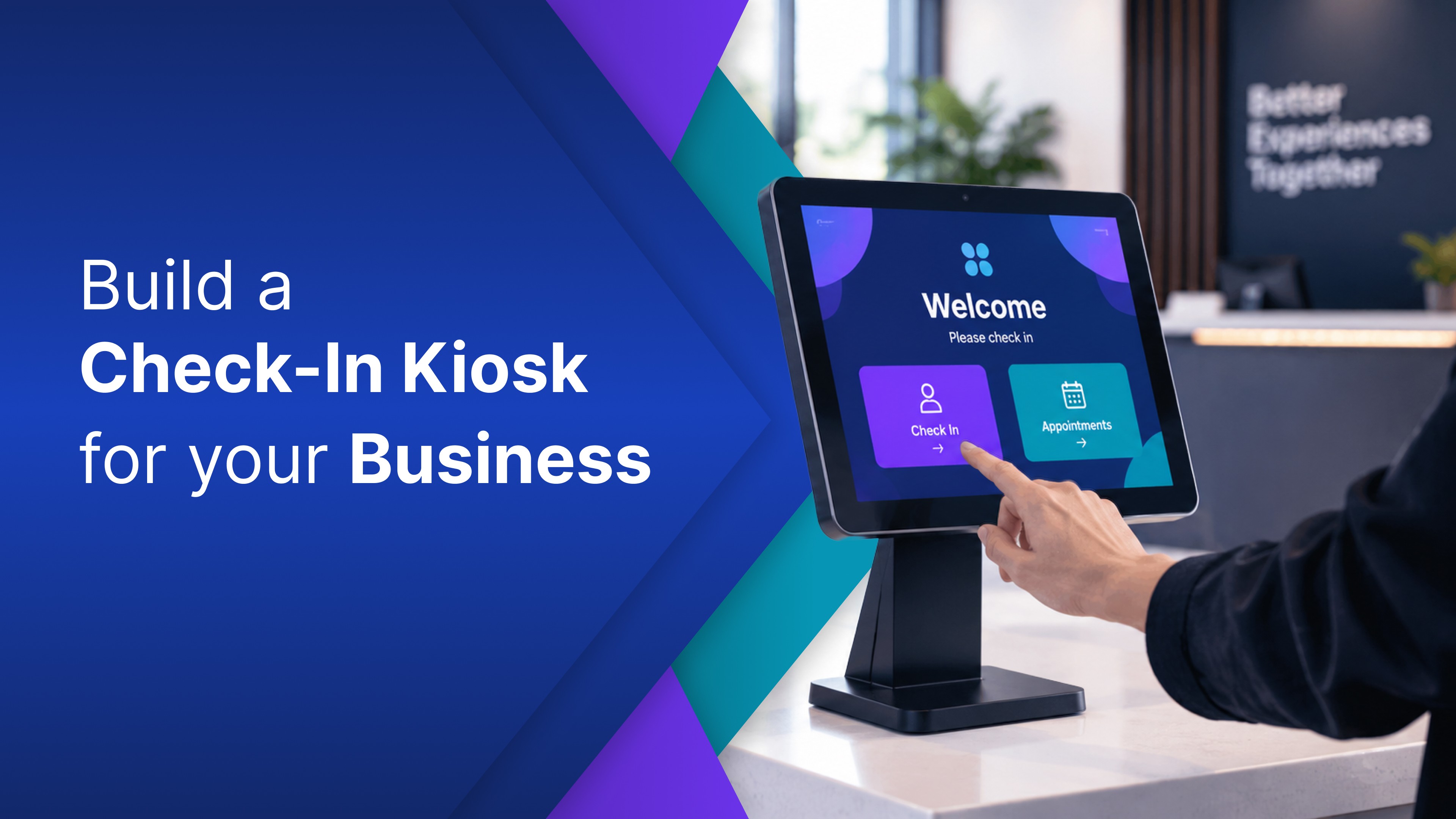
Somebody at your plant wants a tool that does not exist. The team is still using a spreadsheet because the current software does not quite fit the way the work gets done. So you ask what it would cost to have something built.
What comes back is three quotes, a specification nobody is sure about, a number with five figures in it, and a few months. That is a normal way to buy business software, and nobody quoting it is doing anything wrong.
But custom manufacturing software means software built for how your plant already works, not a product your plant bends around. One part of that has changed. This post is about when to build it yourself and when to hire a firm.
What custom manufacturing software actually means
Custom manufacturing software is business software built to fit a plant's existing workflow, rather than a product the plant has to adapt to. It usually covers one job that the systems of record do not: a form, a screen, or a tracker. It is sometimes called bespoke manufacturing software.
There are broadly two types of manufacturing software: the systems of record that run the business and everything built around them. An ERP or MRP is the first kind, holding the data of record for orders, inventory, and jobs. Custom software for manufacturing is almost always the second kind: the screen the ERP does not have, the form it will not accept, or the view nobody sells because only a handful of plants work the way yours does. Software for a manufacturing business is usually one missing screen.
If you need a system to run a made-to-order shop end-to-end, that is an ERP or MRP purchase, not this post.
OptiDev is the second kind. It builds business applications from a plain language description and puts them on a screen where the work happens.
Why this used to mean hiring a development firm, and when it still does
Custom manufacturing software development was expensive for reasons that had little to do with typing. A firm had to write the tool, host it, secure it, connect it to the business systems you already run, and still be reachable in year three. It also had to turn what the plant manager described into a tool that actually worked. Firms doing software development for manufacturing companies priced that correctly. The plant sees the writing. The firm prices everything around it.
How much that comes to is genuinely unsettled: published figures for a custom build disagree by more than an order of magnitude. The Real Cost of a Custom Internal Tool in 2026 makes that argument with the sources attached.
Do you need a development firm to build manufacturing software? For some projects, yes, and the line is clearer than it looks. Hire when the software is what customers pay for, when it writes back into your system of record, or when the number only exists inside a machine and nothing records it anywhere else.
The software is what your customers pay for. If it ships with the product or the customer logs into it, that is not an internal business tool. Hire someone.
It writes back into the system of record. Reading a number out of your ERP is one thing. Posting transactions into it is a different class of risk and belongs with the people who own it.
The number never leaves the machine. If the number only exists inside a PLC, sensor, or controller, that is a different discipline with different tools. No amount of describing an app creates that connection by itself.
A named person signs off on a regulated record. When somebody's signature carries legal weight, the build needs the process that goes with it.
It is a platform, not a tool. Replacing an ERP is a program with a budget and a steering group. Nothing here applies to it.
What is left after those five is the kind of business software many plants actually wish they had. What changed is not that code got cheaper. It is that the person who knows how the jobs actually move can now build the screen. Custom software development for the manufacturing industry now includes the plant describing it themselves.
What plants build without one
These are the business tools that never got built, because none was ever worth a quote.
The app | What it replaces today |
|---|---|
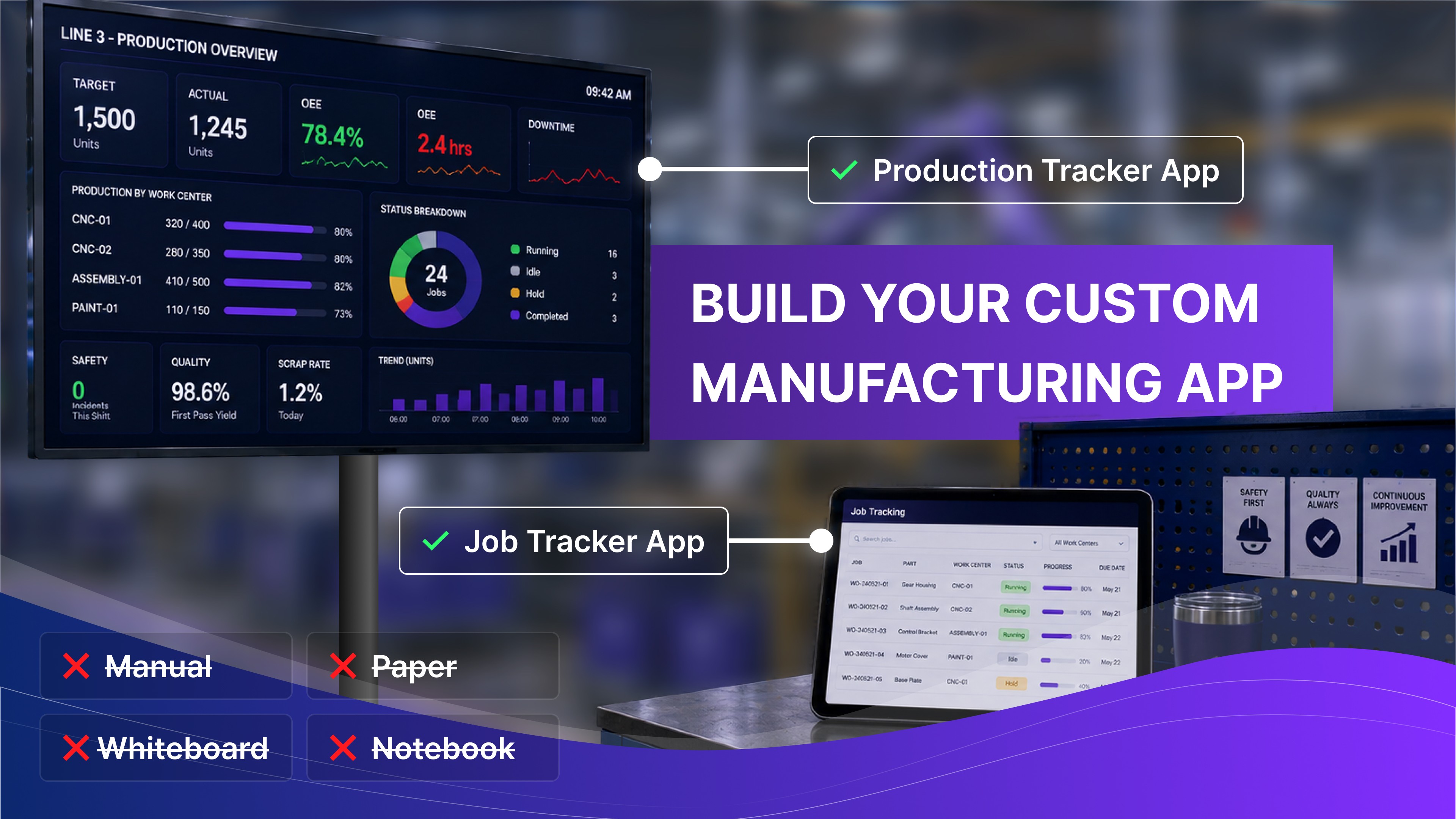
A production tracker: count against target, by line and shift | A whiteboard and an end-of-shift email |
A job tracking screen: where every open job actually is | Walking the floor, or asking |
A downtime and scrap log the operator fills in at the line | A paper form somebody keys in later |
A job costing sheet: quoted against actual, per job | A spreadsheet one person maintains |
A tool and fixture log: who has what, and where | A clipboard by the crib |
A shift report: what the next shift needs to know | A verbal handover, or a notebook |
Each one is a manufacturing app somebody describes in a sentence or two. You might write: show units completed against target for each of our four work centers, updating as jobs close. What comes back is a working version, and correcting it means describing the correction rather than filing a change request. That loop is the difference. Manufacturing software for small business has usually meant picking the least wrong product off a list, because software that fits one specific plant was rarely something anyone could sell.
The parts a quote lists separately come with the app: a database, user accounts and access control, hosting, and a live URL for a tablet at the line.
Two honest limits. The first version is wrong in small ways, which is the point rather than the caveat: you find out what you wanted by using it. The prompt library is a starting point, not a catalogue. There are templates for displaying data, including a production tracker, but the downtime log you describe is from scratch.
The one many plants build first
The production tracker is usually first. The reason is not that production tracking software is unavailable. It is that a manufacturing tracking system you can buy often assumes a plant that is not yours. What people actually want is narrow: the crew sees where the shift stands, and the supervisor stops rebuilding the same report every Friday.
How to track production in manufacturing comes down to two questions, and neither is about the screen. The first is whether the number exists anywhere a business system can reach, which is the honest prerequisite and the subject of Shop Floor Data Collection: What You Need Before a Live Board. The second is what actually goes on the board once it does, which is How Manufacturers Are Tracking Production in Real Time. Answer the first one before you spend a day on the second.
Start with the one that annoys you most
Pick the tool in that table that costs your team the most time this week and build that one. Not a platform decision, not a migration, just one tool.
You can build the first version free, no credit card required, and start from the prompt library instead of an empty page. If the objection in the room is whether business data is safe on it, user accounts and access control come with the app rather than being added later, which How OptiDev Secures Every App You Build covers.
Then use it for two weeks. Real use tells you more about the scope than any specification round will. It also tells you whether the rest of your list needs a firm.